nüchtern
User manual

nüchtern, in nine short stories

Everything the app can do — shown rather than explained. Follow a story from the beginning, or just follow the pictures.

01 / 09

Your first fast

From opening the app to a running timer, in under a minute.
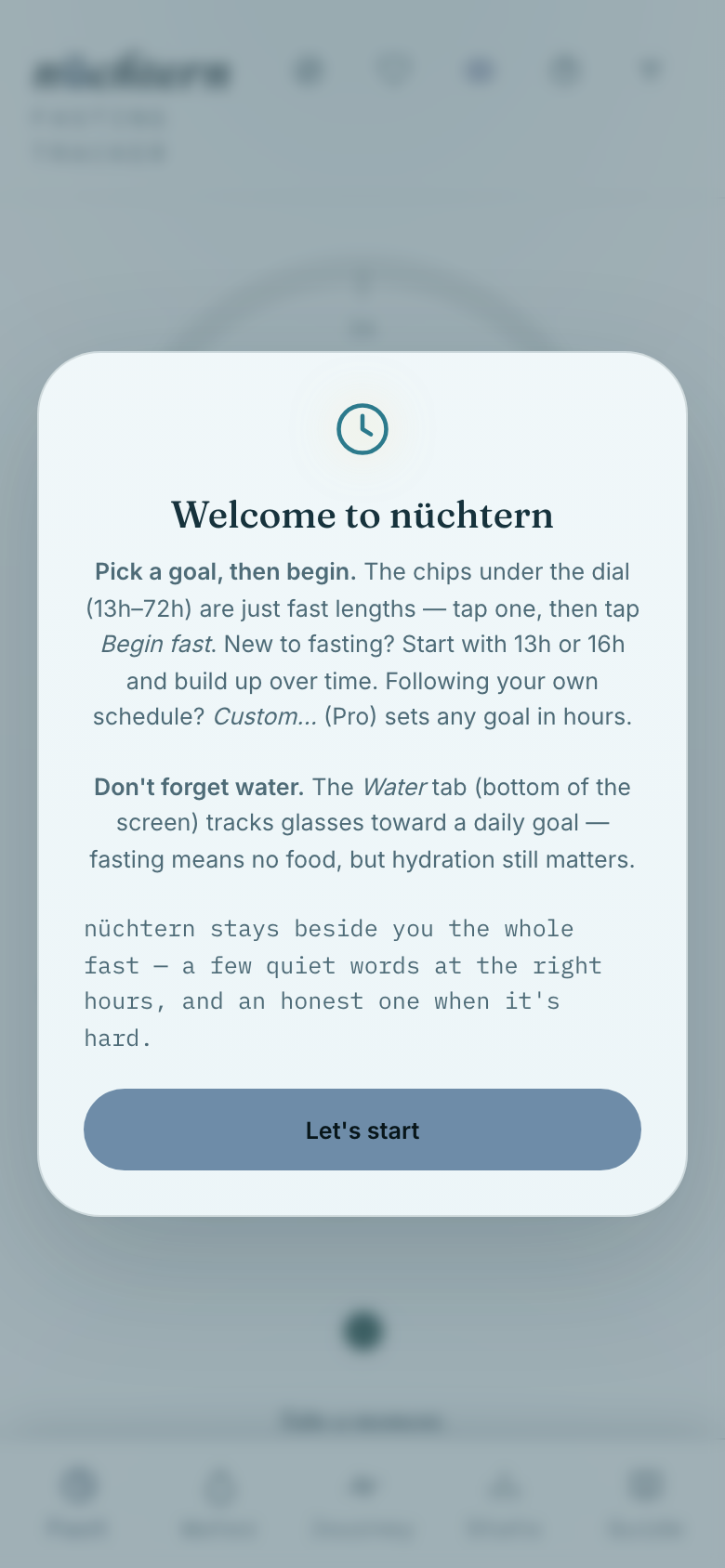
01First launch opens with a short welcome — tap Let's start.
First launch opens with a short welcome — tap Let's start.
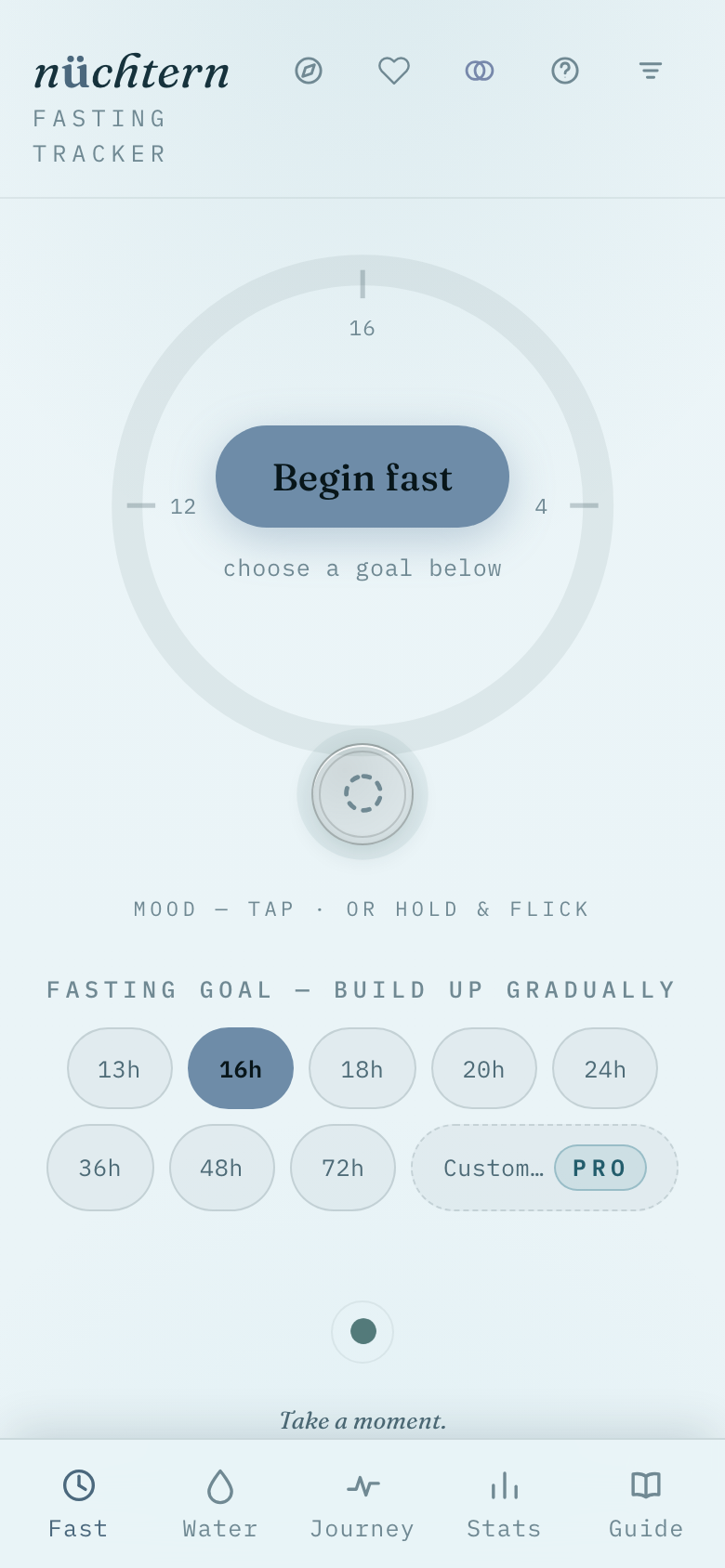
02Choose a fasting goal, then tap Begin fast to start the clock.
Choose a fasting goal, then tap Begin fast to start the clock.
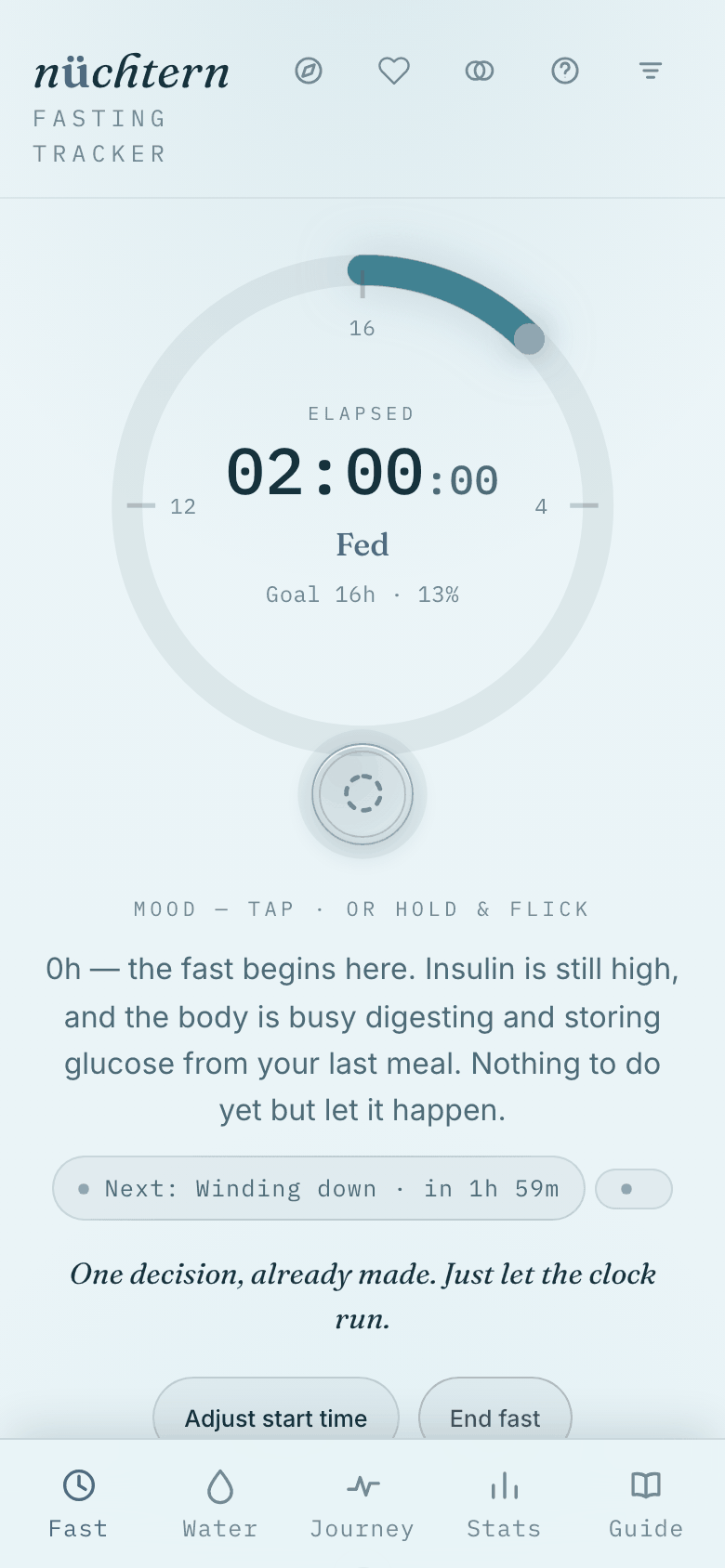
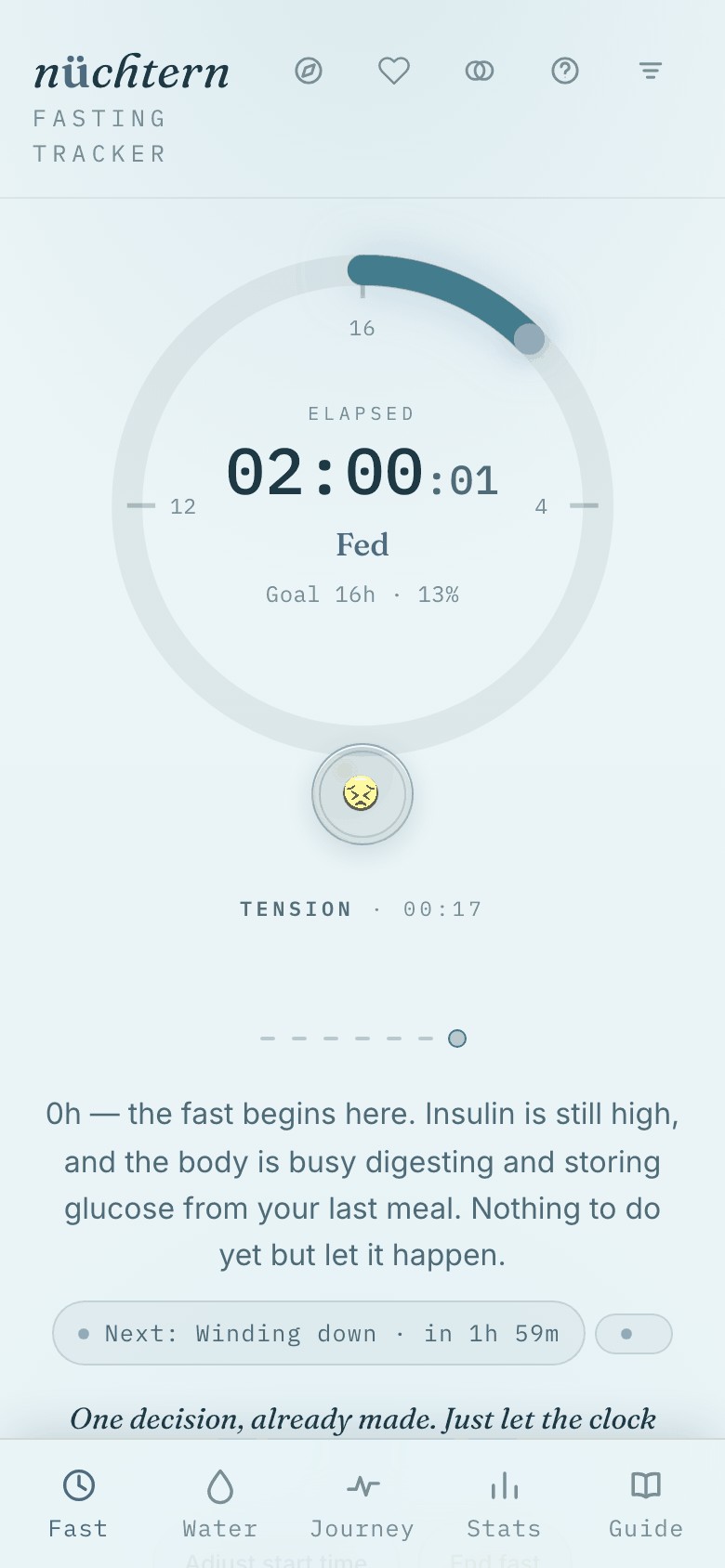
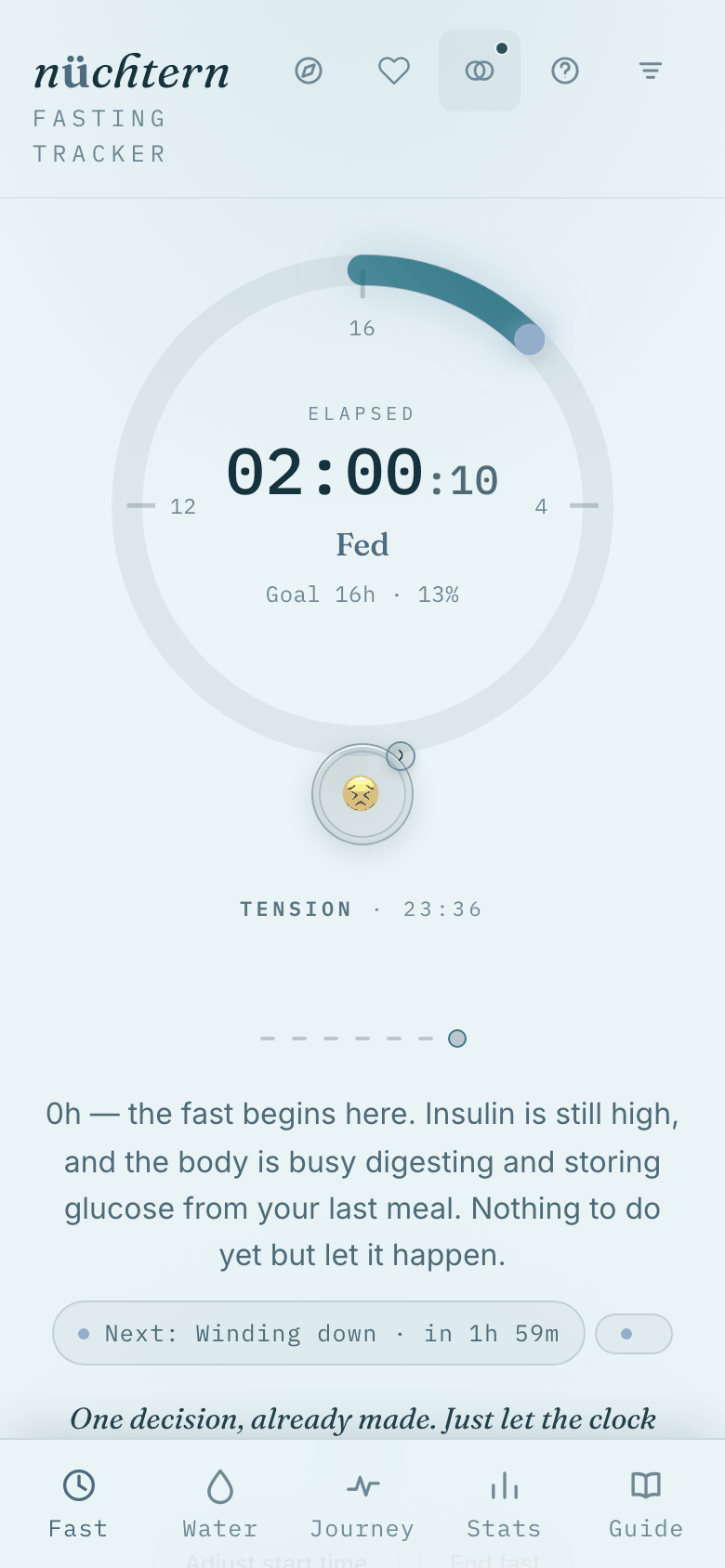
03The dial now shows elapsed time and the current metabolic phase.
The dial now shows elapsed time and the current metabolic phase.
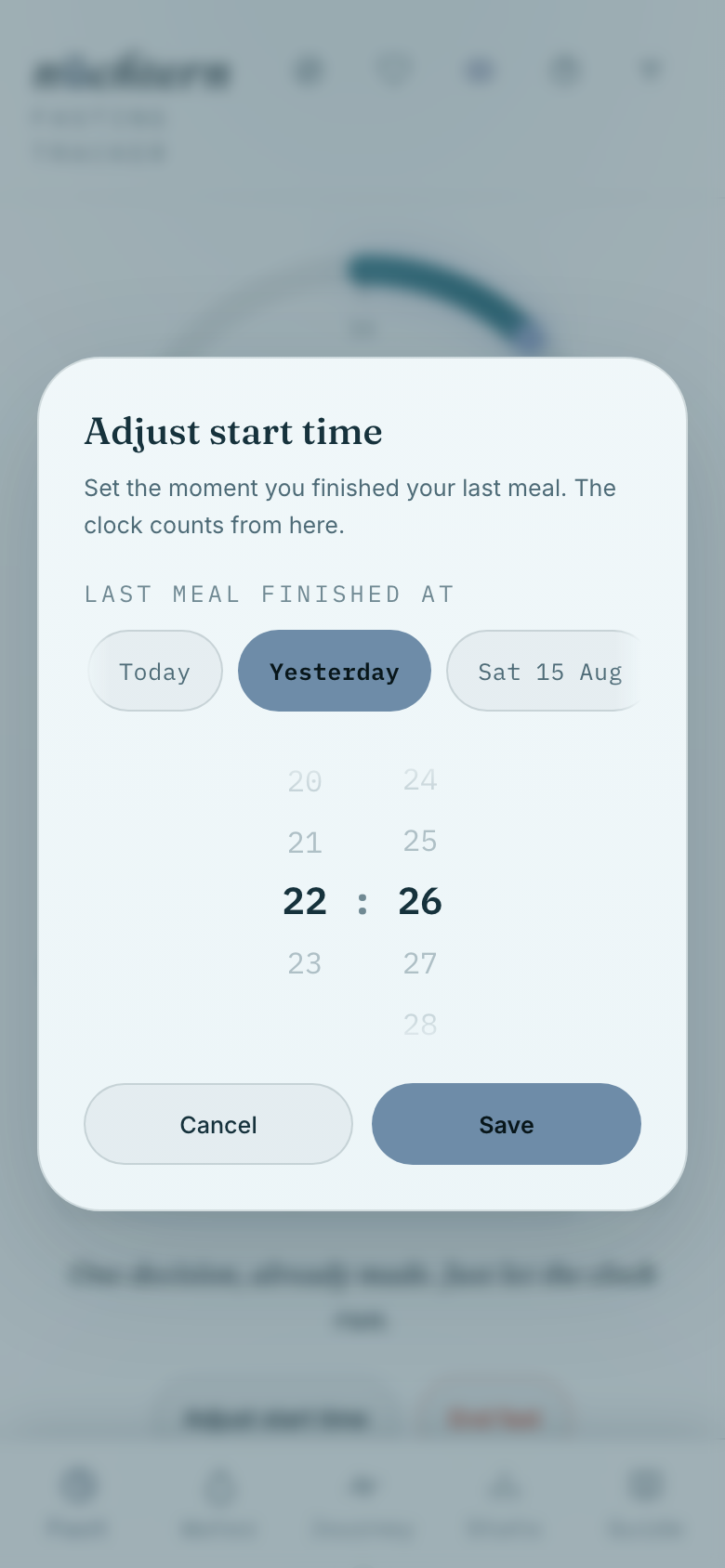
04Tap Adjust start time to correct when the fast really began.
Tap Adjust start time to correct when the fast really began.
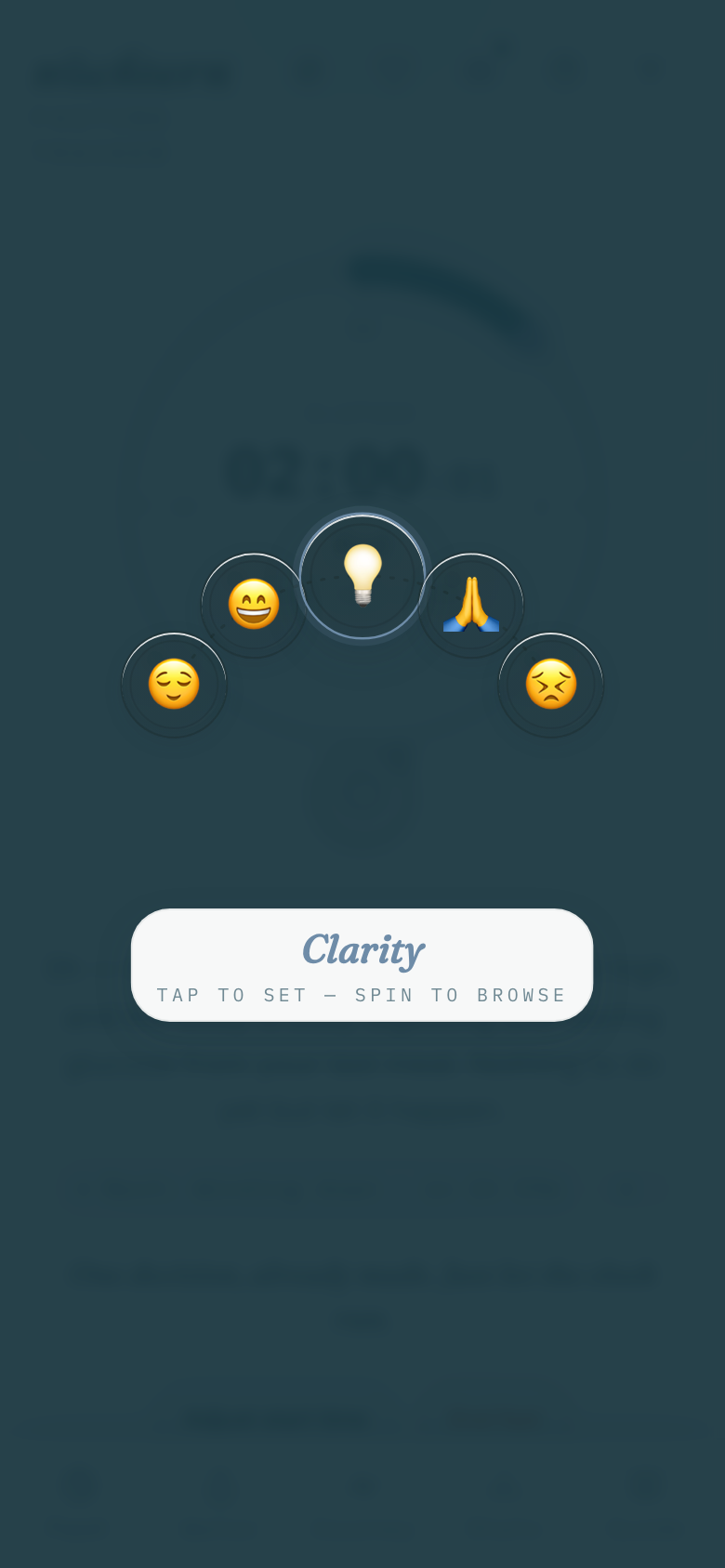
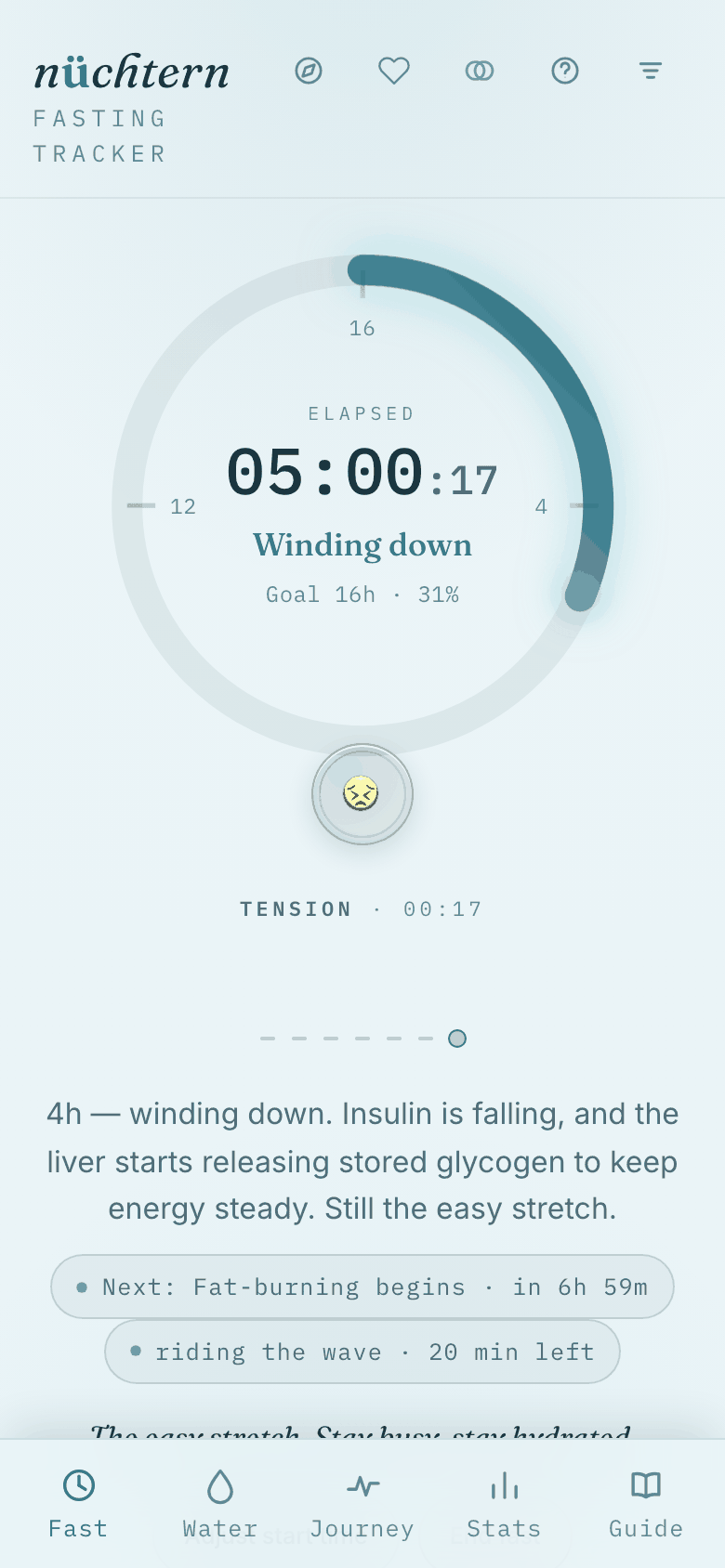
05Tap the small dial beneath the main one to log today's mood — five gentle choices on a fanned arc.
Tap the small dial beneath the main one to log today's mood — five gentle choices on a fanned arc.
06Once set, it settles into a quiet gold marker — tap it again any time to change your mind.
Once set, it settles into a quiet gold marker — tap it again any time to change your mind.
02 / 09

Staying with water

Logging what you drink, one calm tap at a time.
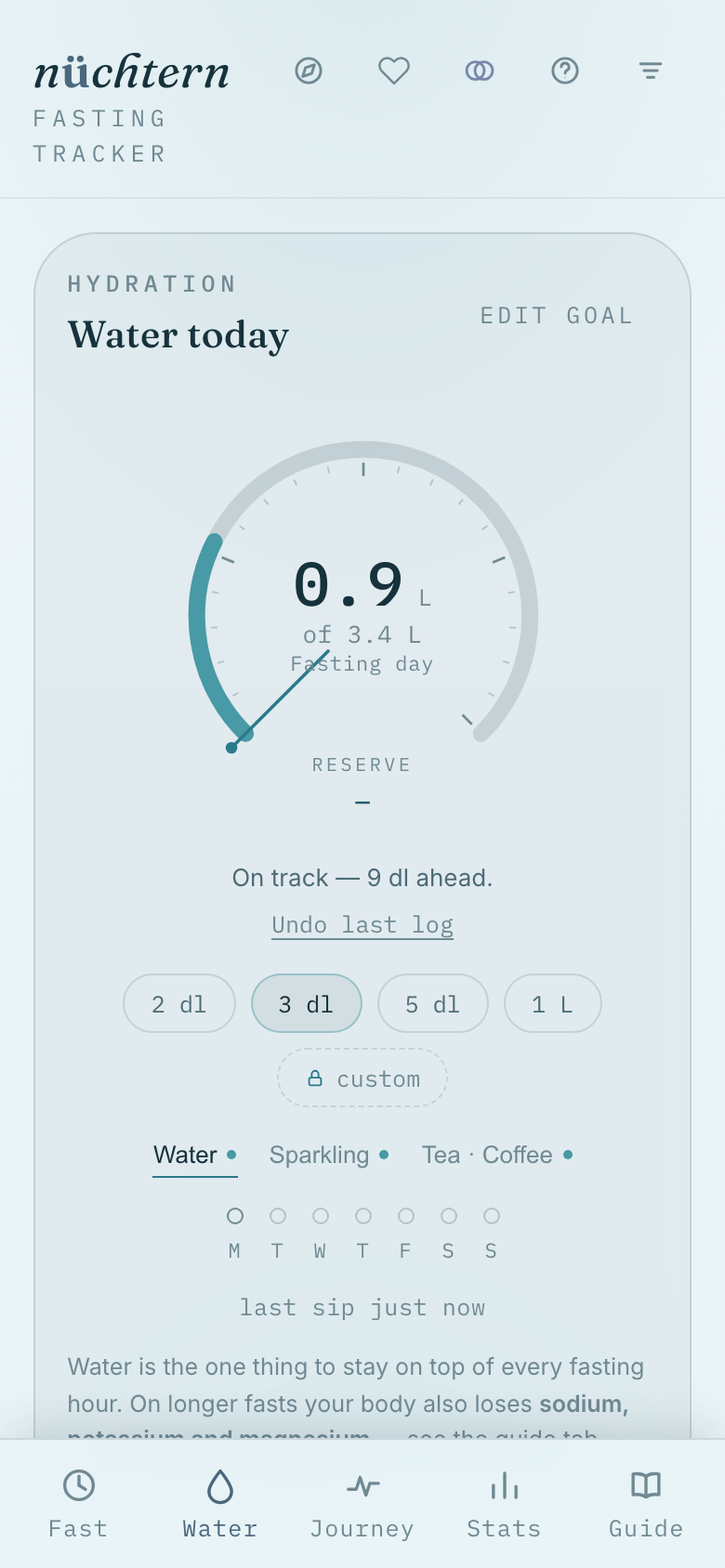
01Tap the vessel you just drank — 2 dl to 1 L — and the dial fills through the day.
Tap the vessel you just drank — 2 dl to 1 L — and the dial fills through the day.
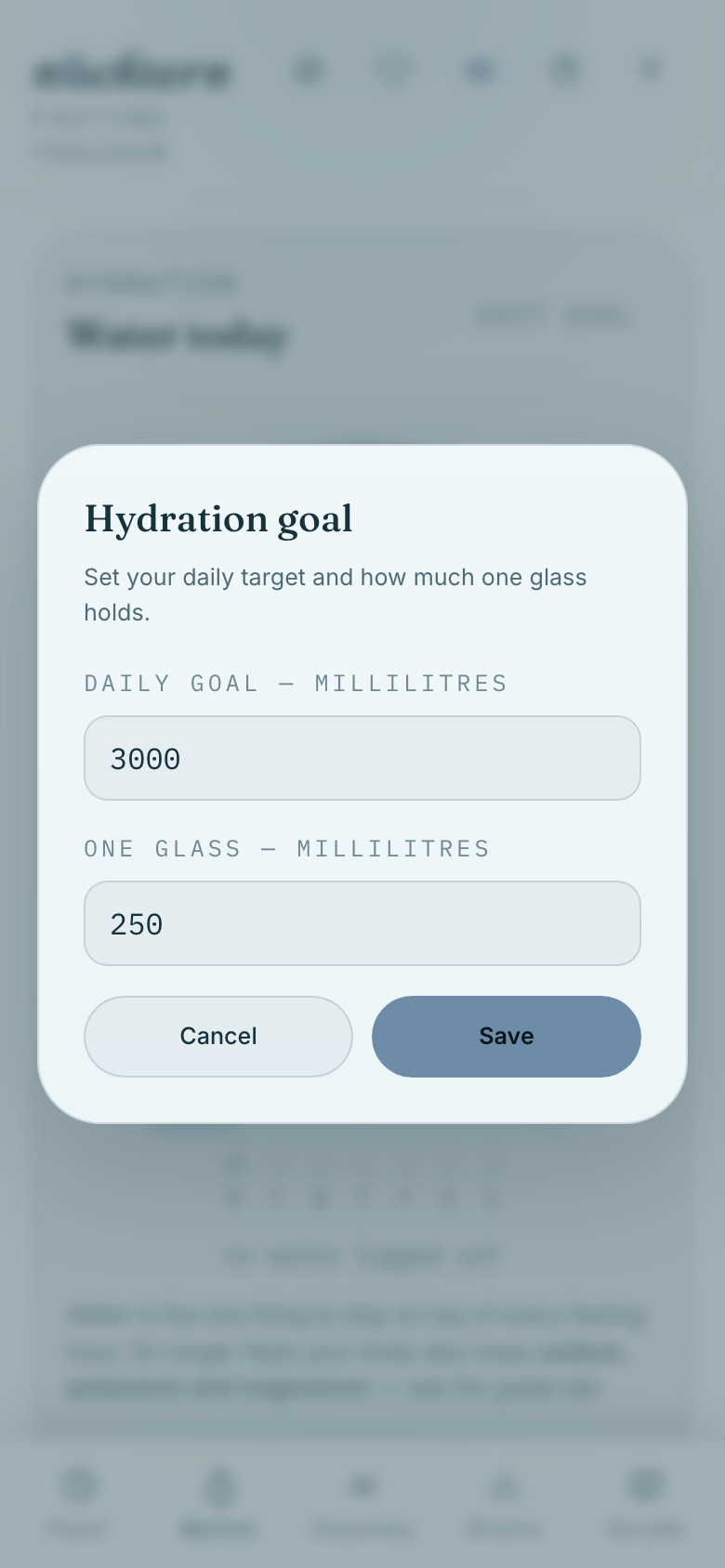
02Open edit goal to set your daily target and glass size in ml.
Open edit goal to set your daily target and glass size in ml.
03 / 09

The rhythm of a day

What the app quietly suggests, hour by hour.
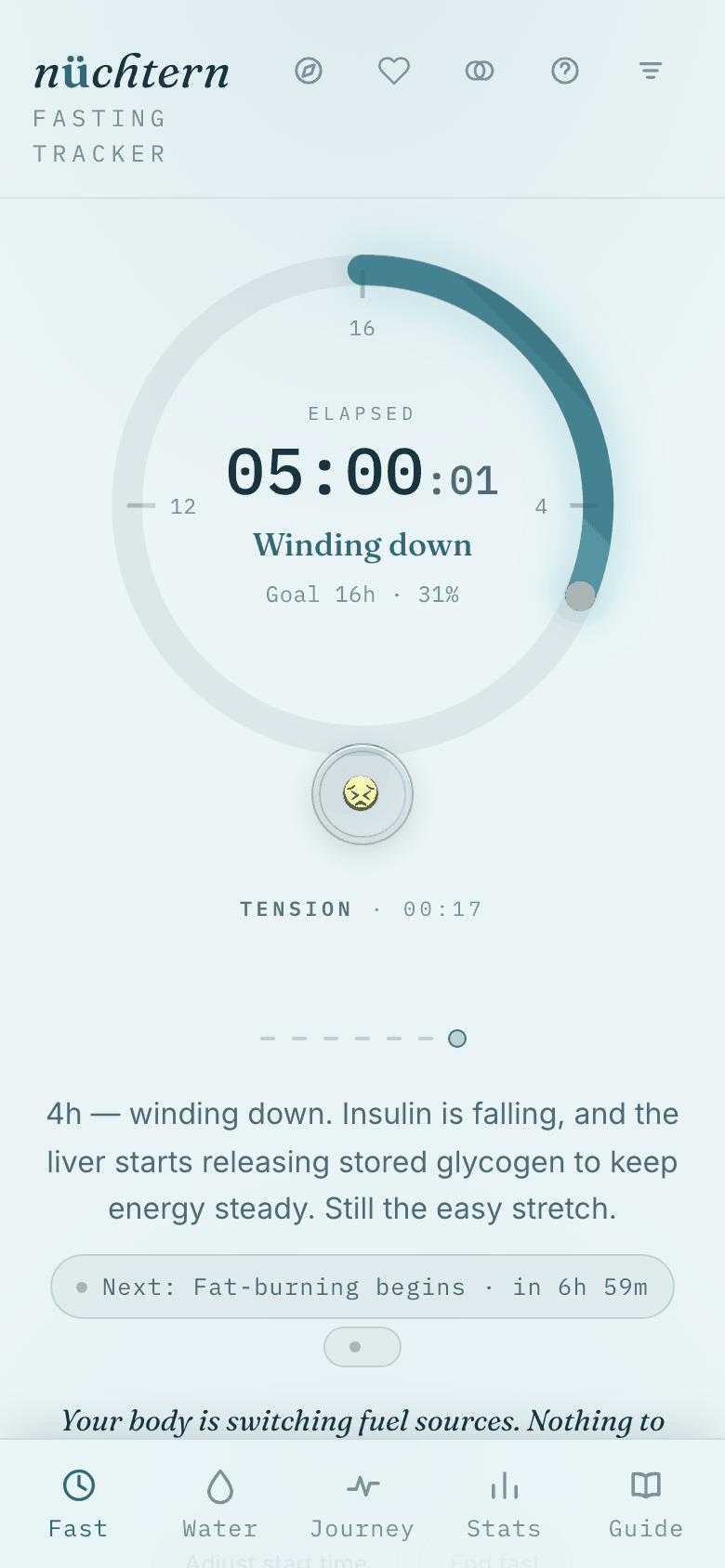
01The Fast tab quietly suggests what to do next, hour by hour.
The Fast tab quietly suggests what to do next, hour by hour. Why this suggestion? →
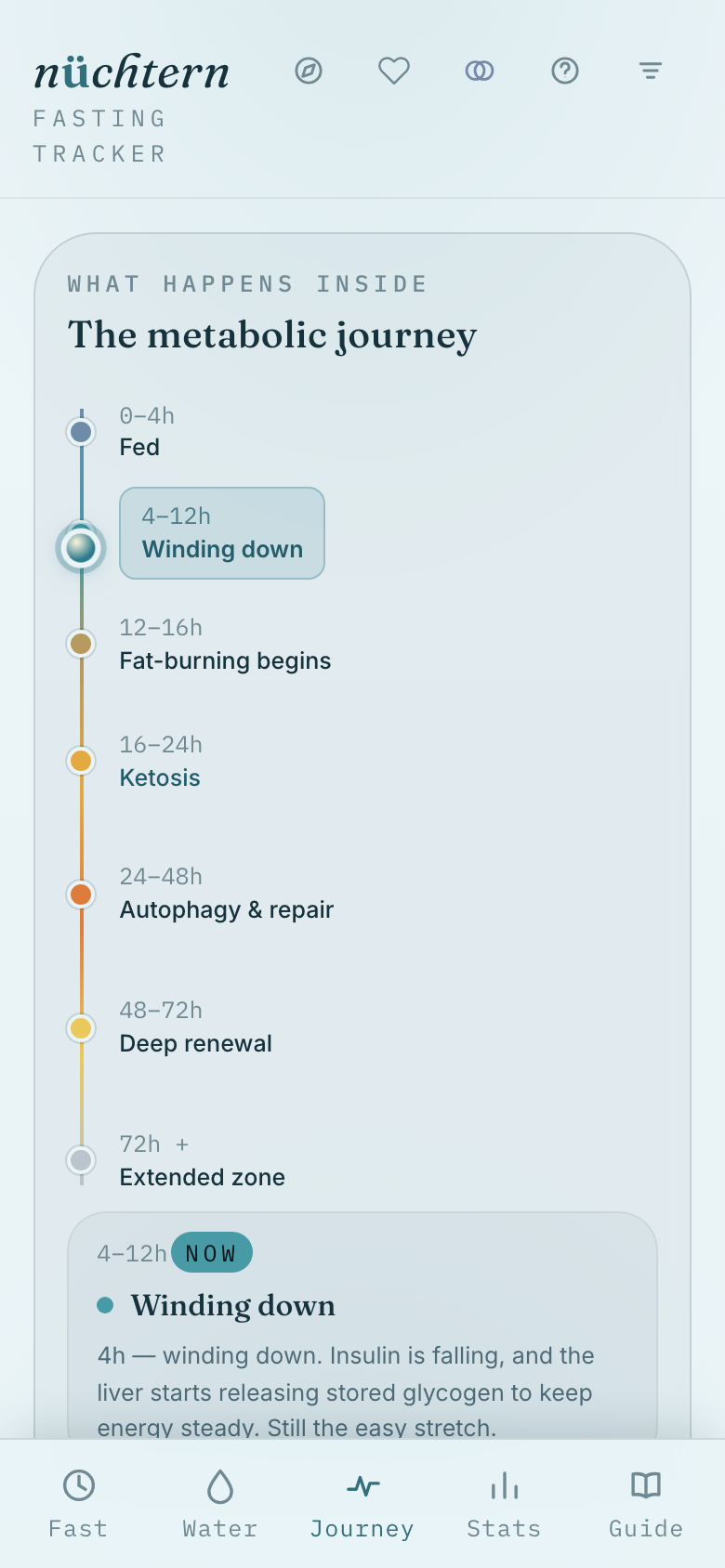
02The Journey tab lays out every metabolic phase as a line.
The Journey tab lays out every metabolic phase as a line.
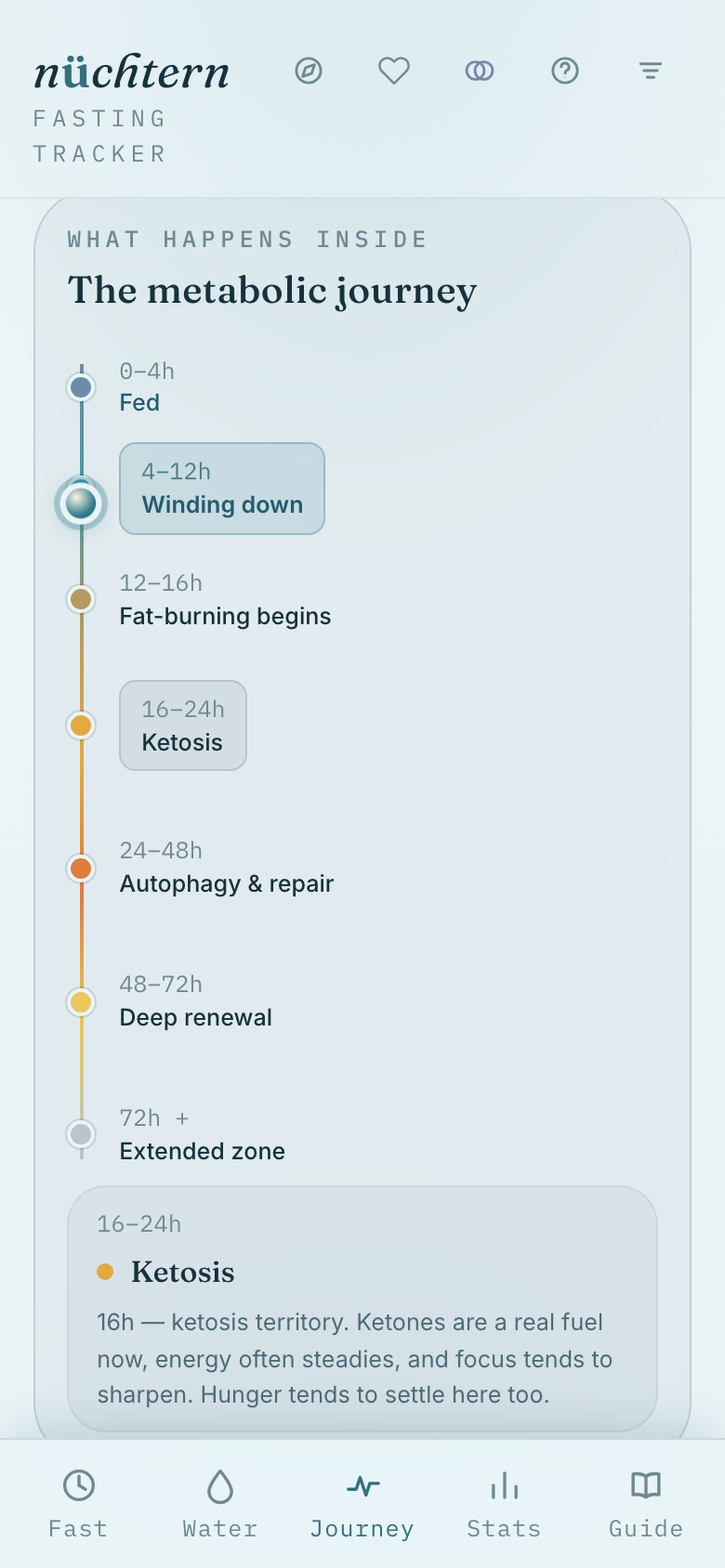
03Tap a stop on the line to read what your body is doing right now.
Tap a stop on the line to read what your body is doing right now. Read the full science →
04 / 09

Finishing well

Reaching the goal, ending the fast, keeping the moment.
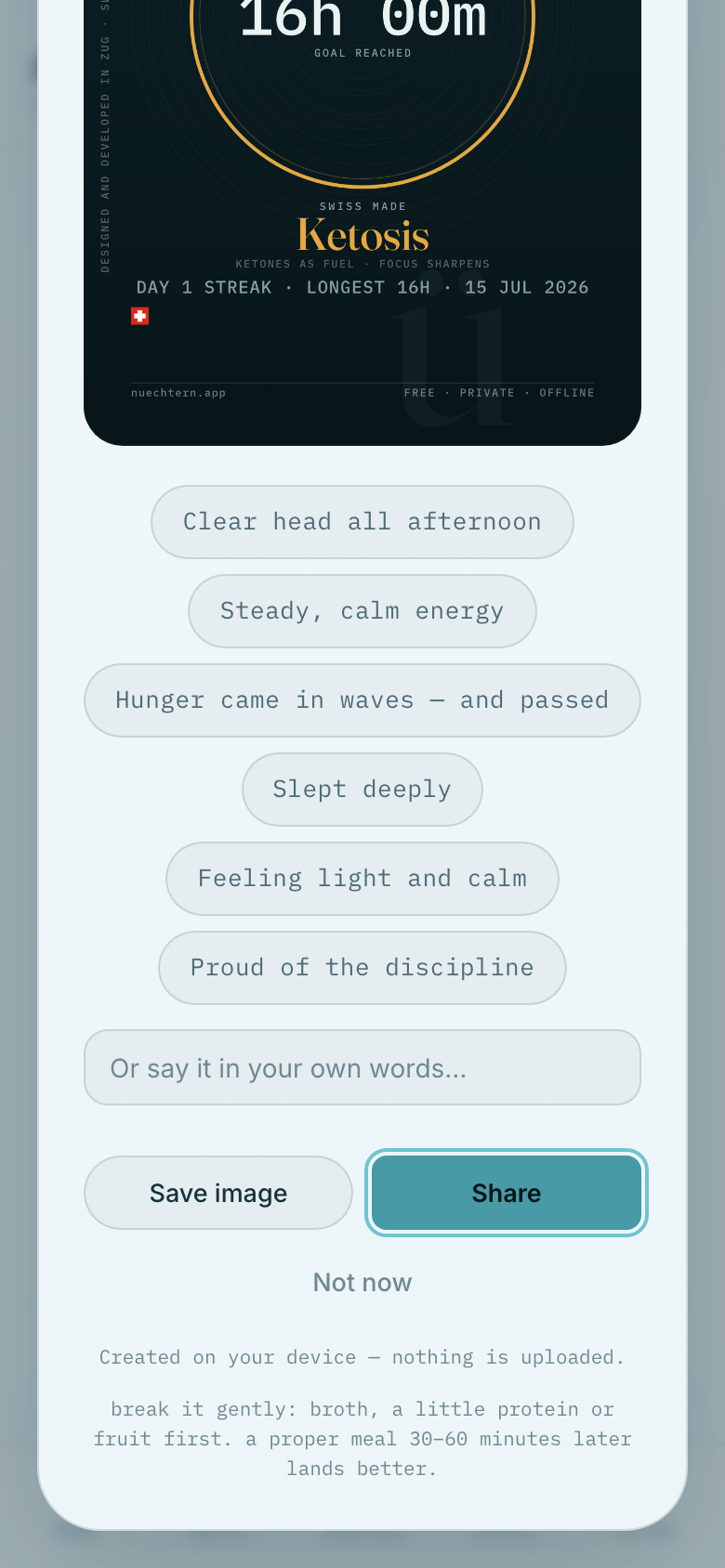
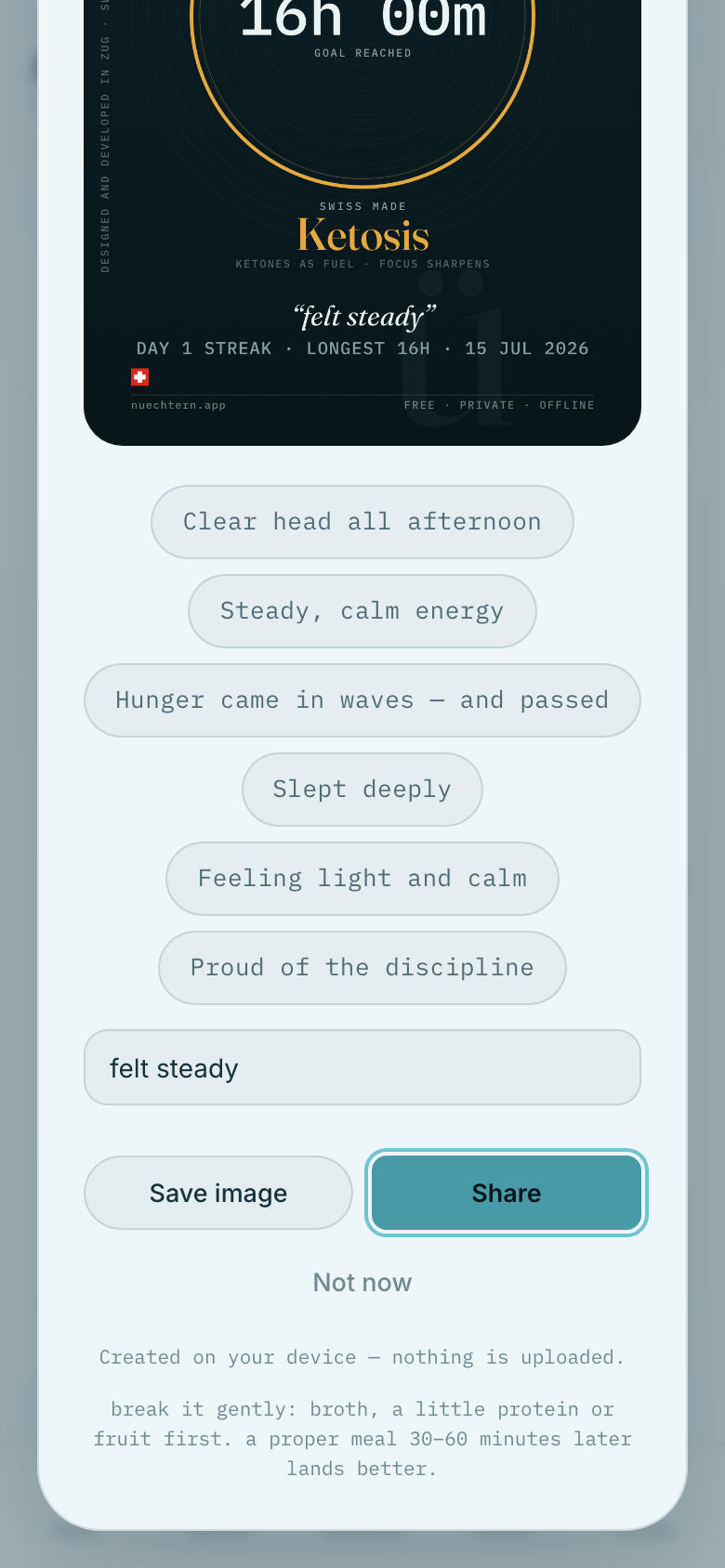
01Reaching your goal opens a card marking the moment — automatically.
Reaching your goal opens a card marking the moment — automatically.
02Pick a chip, add a note, then Save image or Share.
Pick a chip, add a note, then Save image or Share.
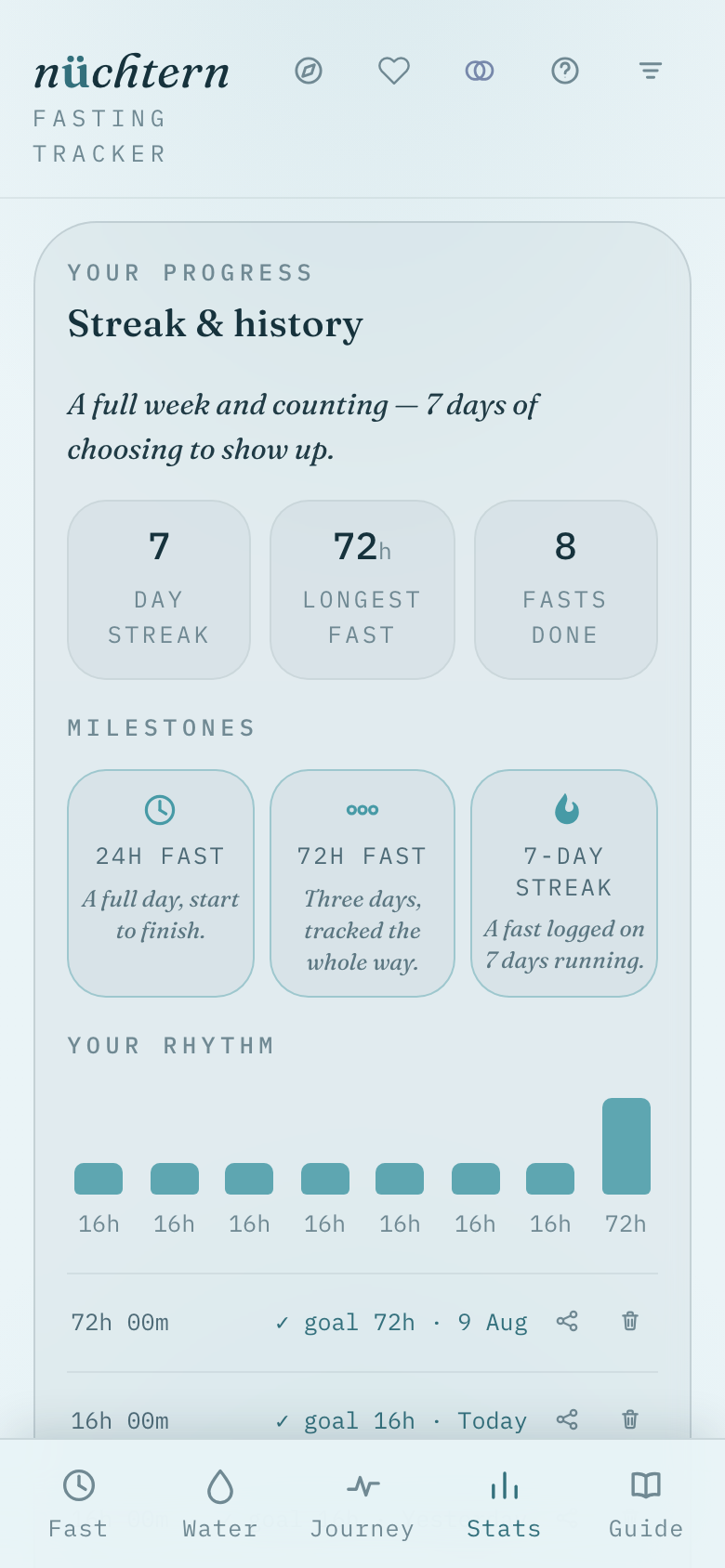
03The Stats tab tracks your streak, longest fast, and badges.
The Stats tab tracks your streak, longest fast, and badges.
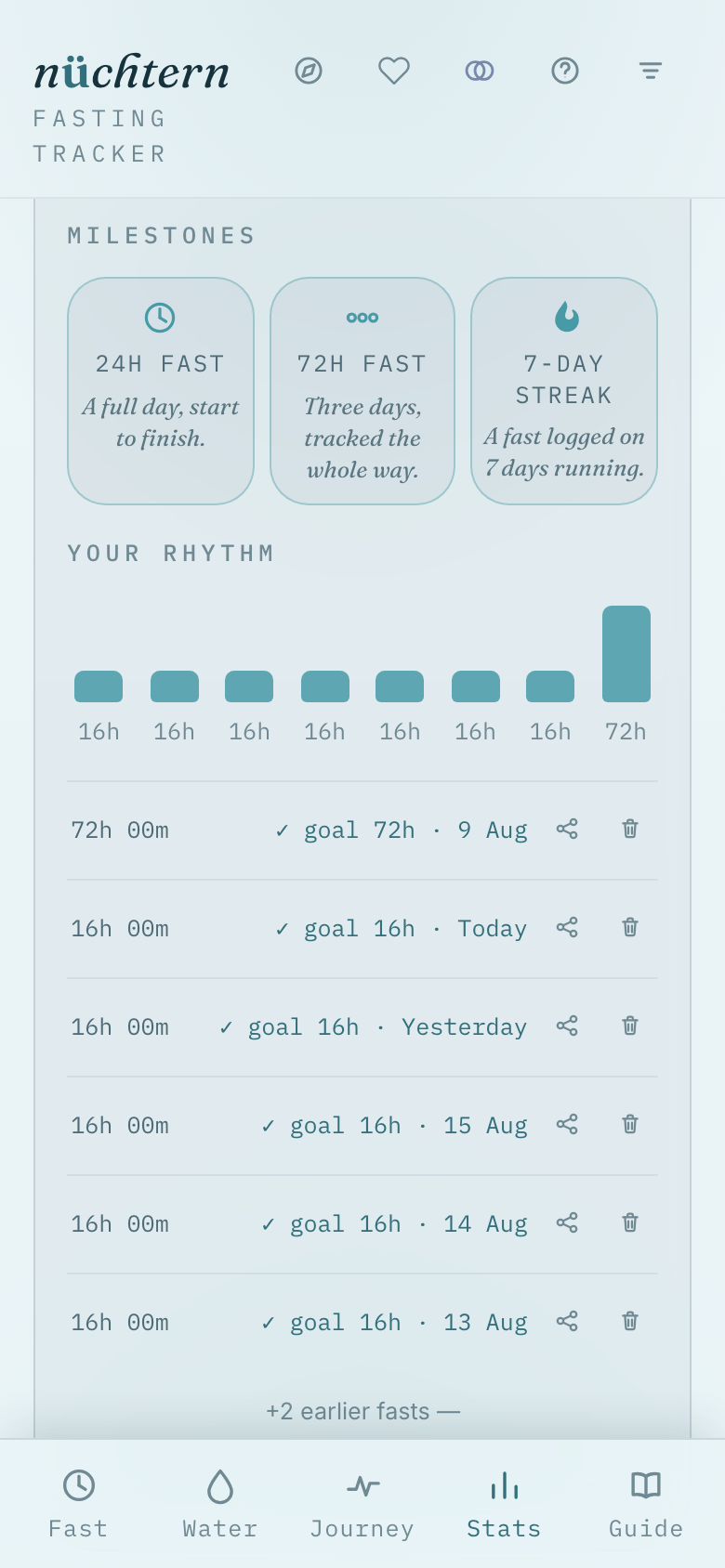
04Further down: your weekly rhythm and the full fast-by-fast history.
Further down: your weekly rhythm and the full fast-by-fast history.
05 / 09

A hard moment

When it gets difficult, the app has a steady hand ready.
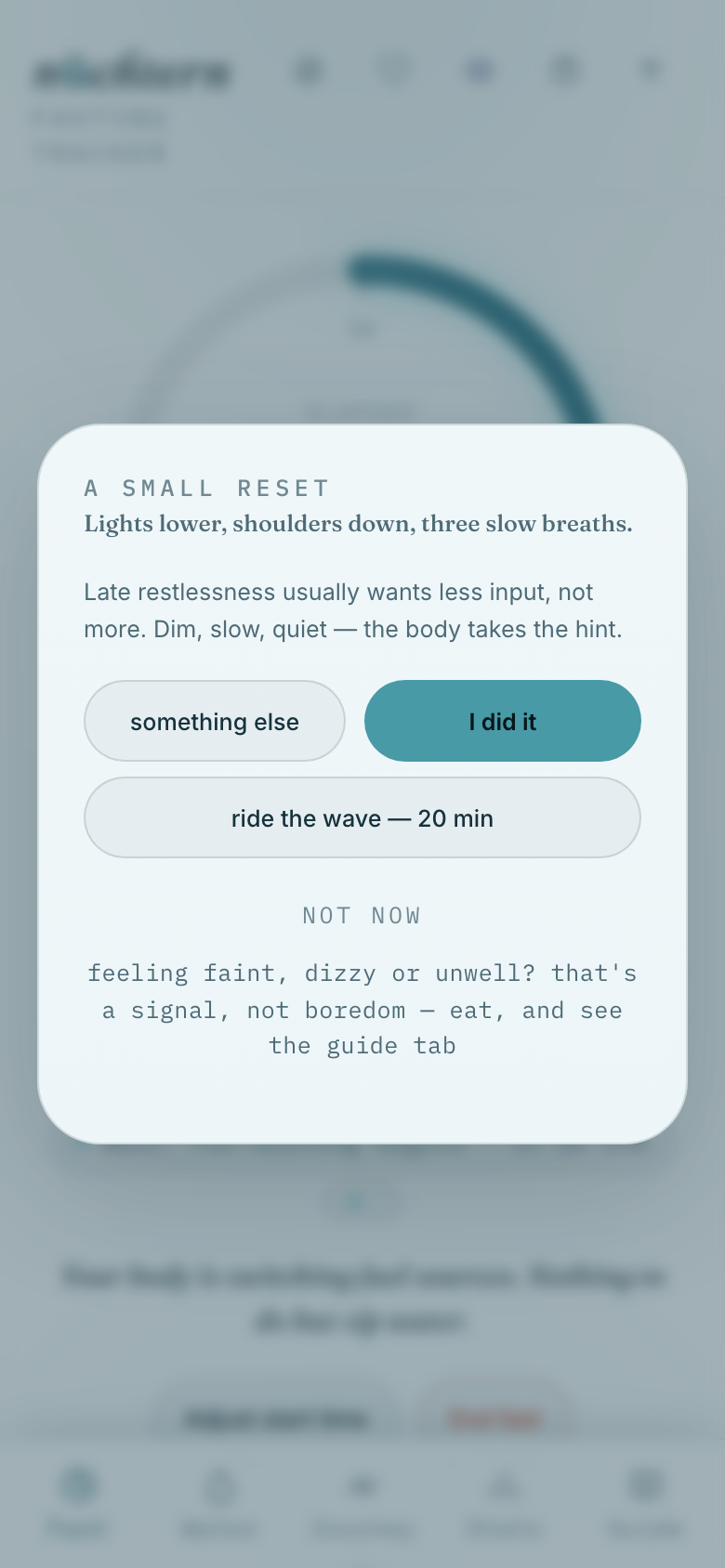
01Tap the compass icon anytime for A small reset.
Tap the compass icon anytime for A small reset.
02Tap ride the wave — 20 min to breathe through a hunger spike.
Tap ride the wave — 20 min to breathe through a hunger spike.
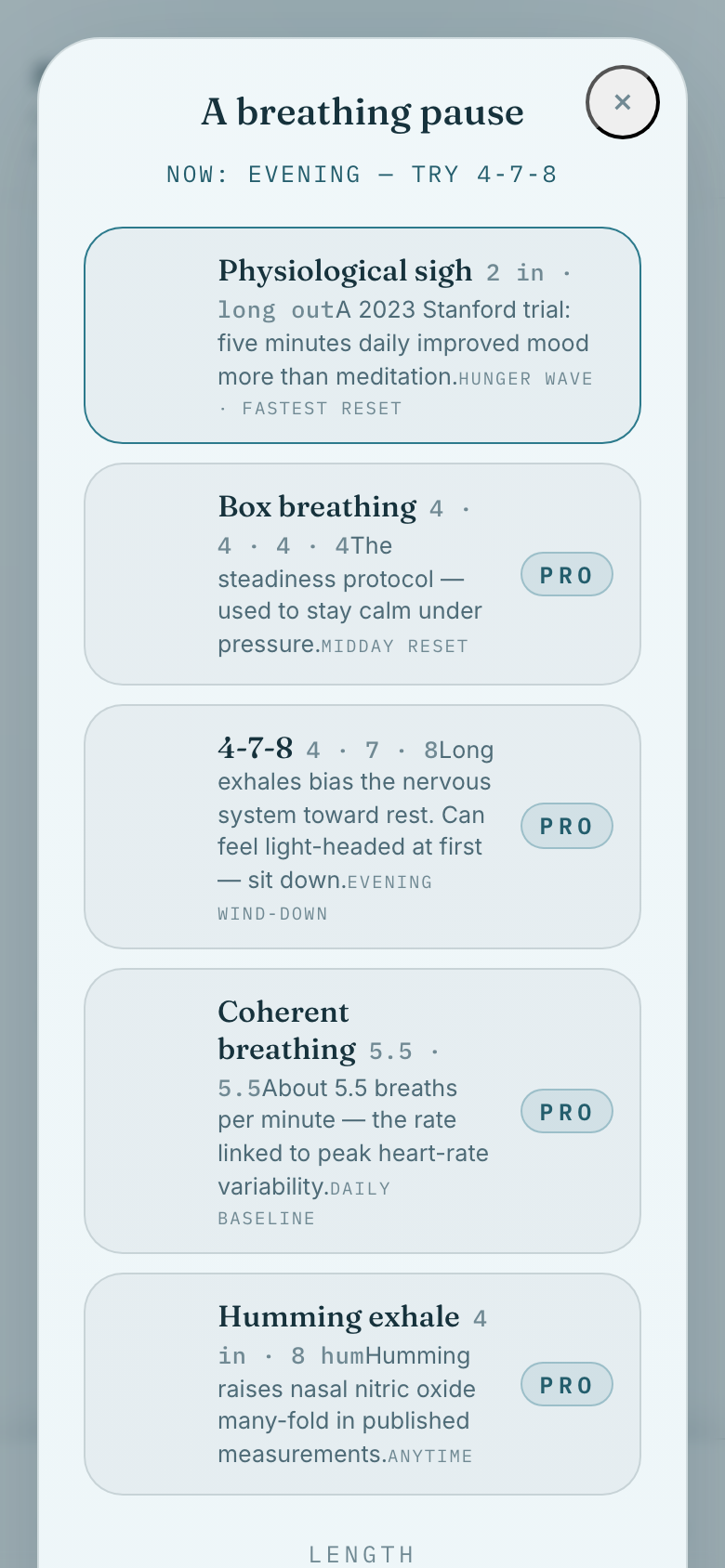
03Pick a pattern — 4-7-8, box breathing, a physiological sigh. The suggestion up top follows the time of day.
Pick a pattern — 4-7-8, box breathing, a physiological sigh. The suggestion up top follows the time of day.
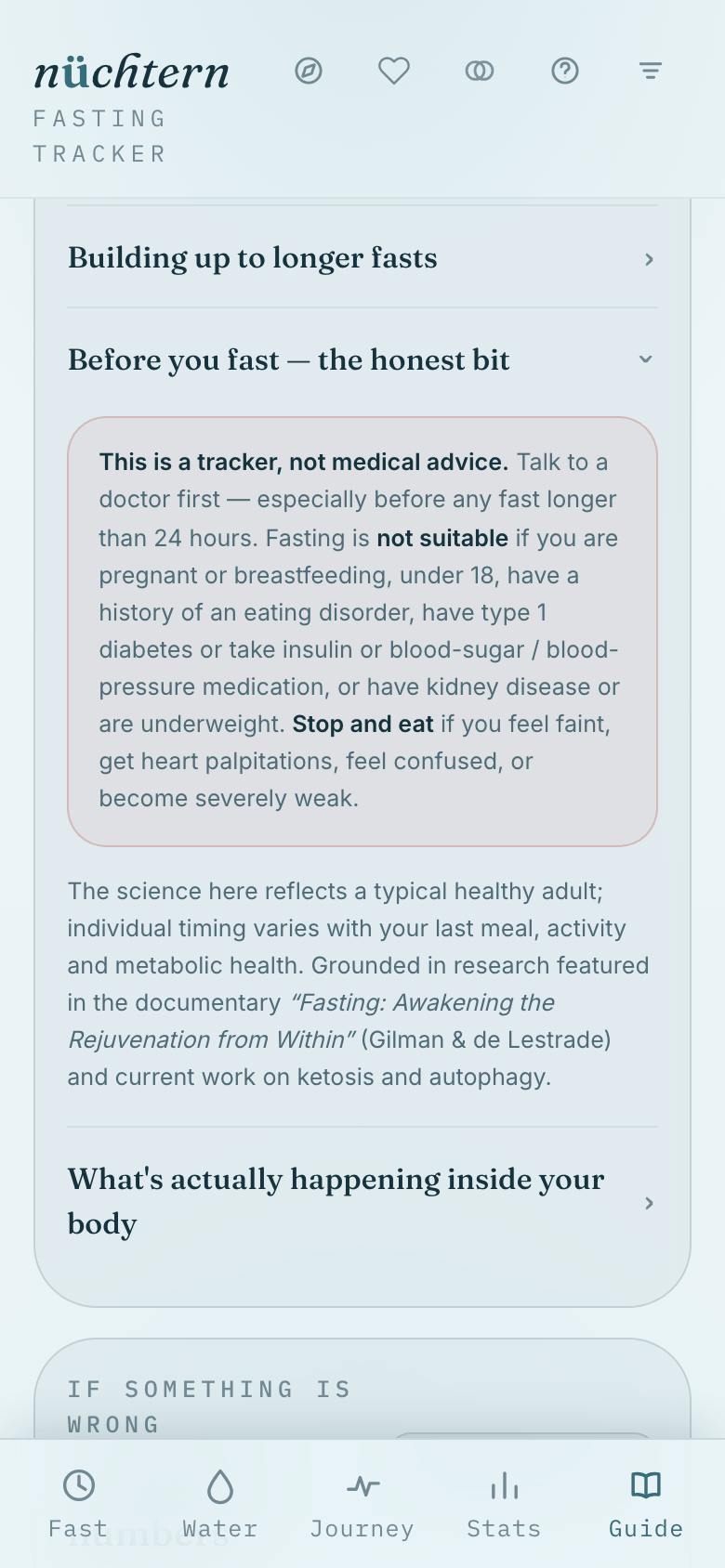
04The Guide tab's safety section is worth reading before a long fast.
The Guide tab's safety section is worth reading before a long fast. Read the full safety notes →
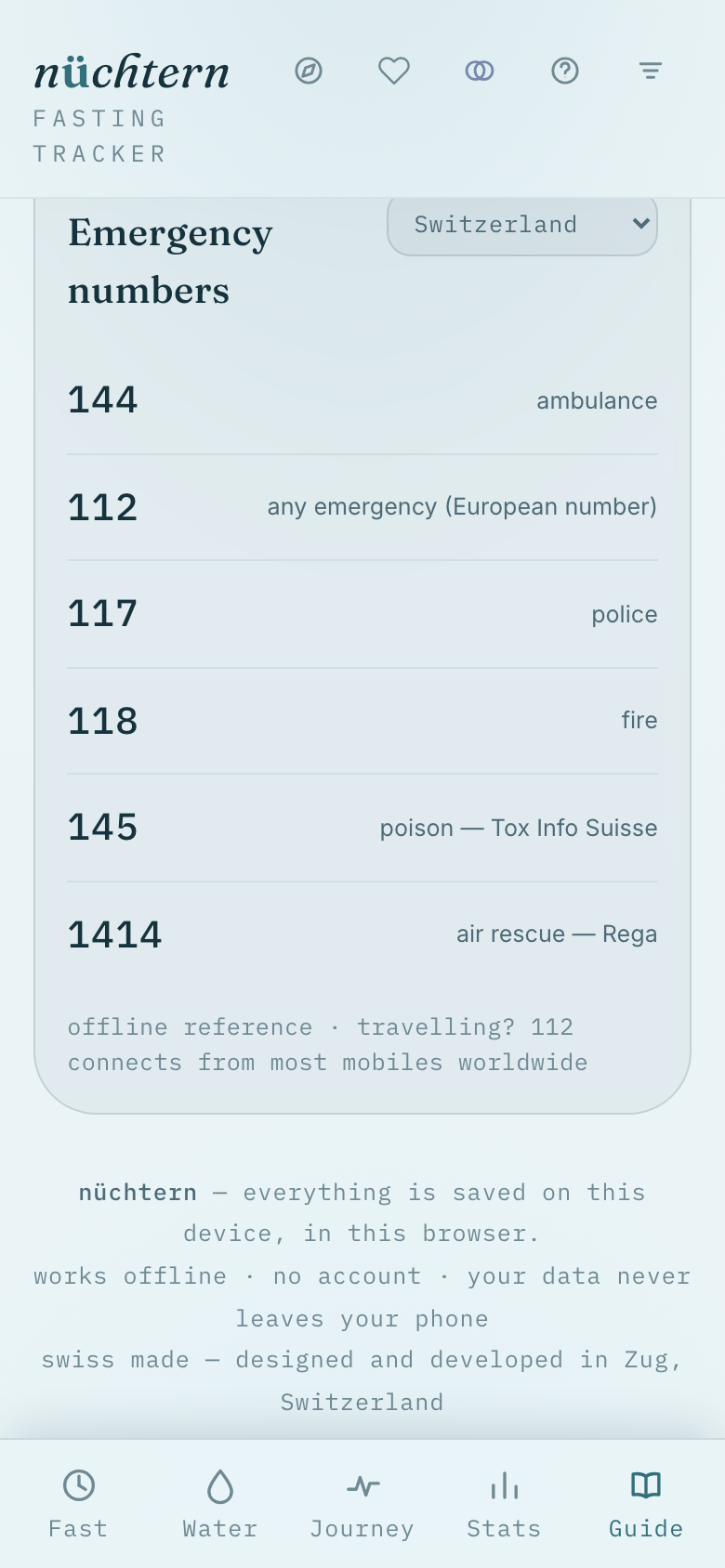
05Emergency numbers by country sit at the bottom of the Guide tab.
Emergency numbers by country sit at the bottom of the Guide tab.
06 / 09

Make it yours

Theme, language, and every setting — tuned in a minute.
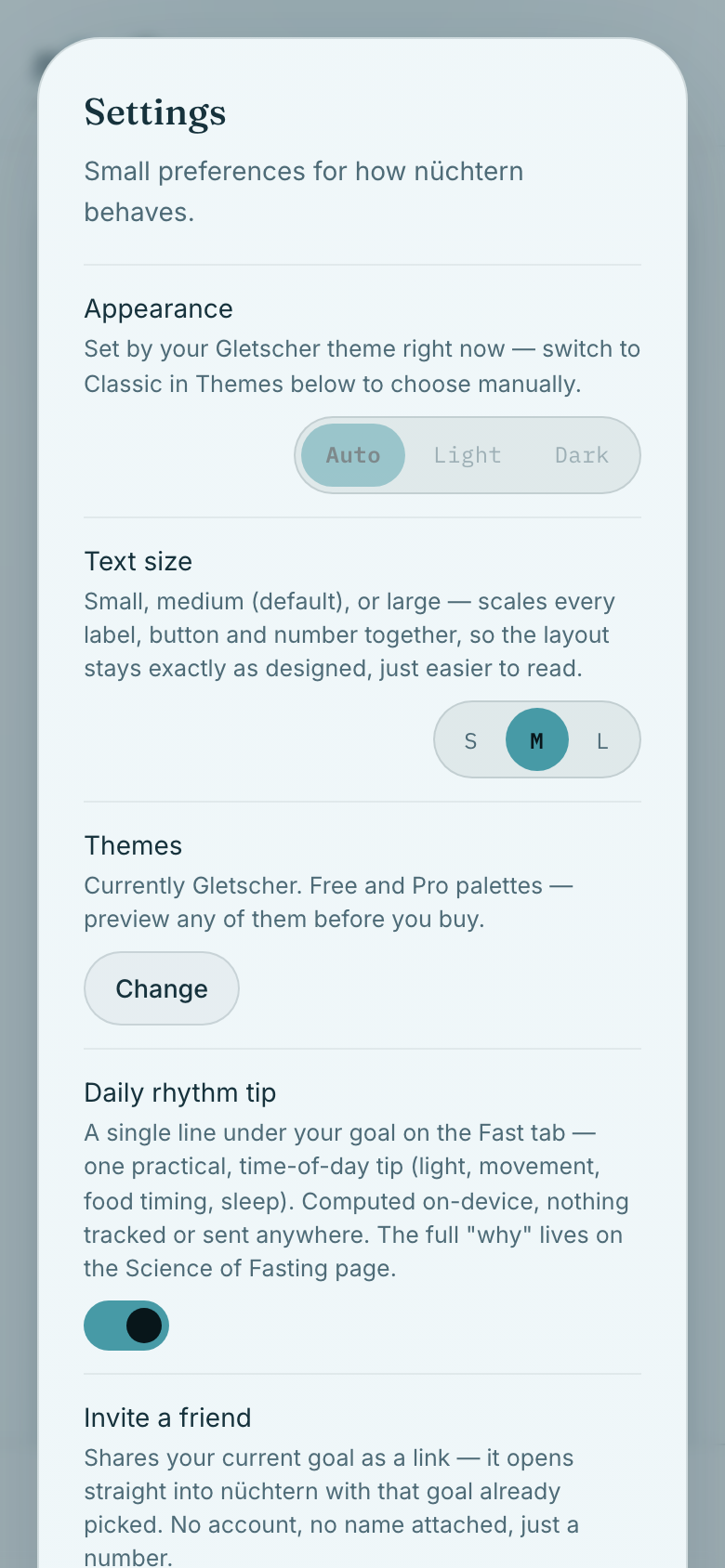
01Open settings for appearance, text size, and theme choices.
Open settings for appearance, text size, and theme choices.
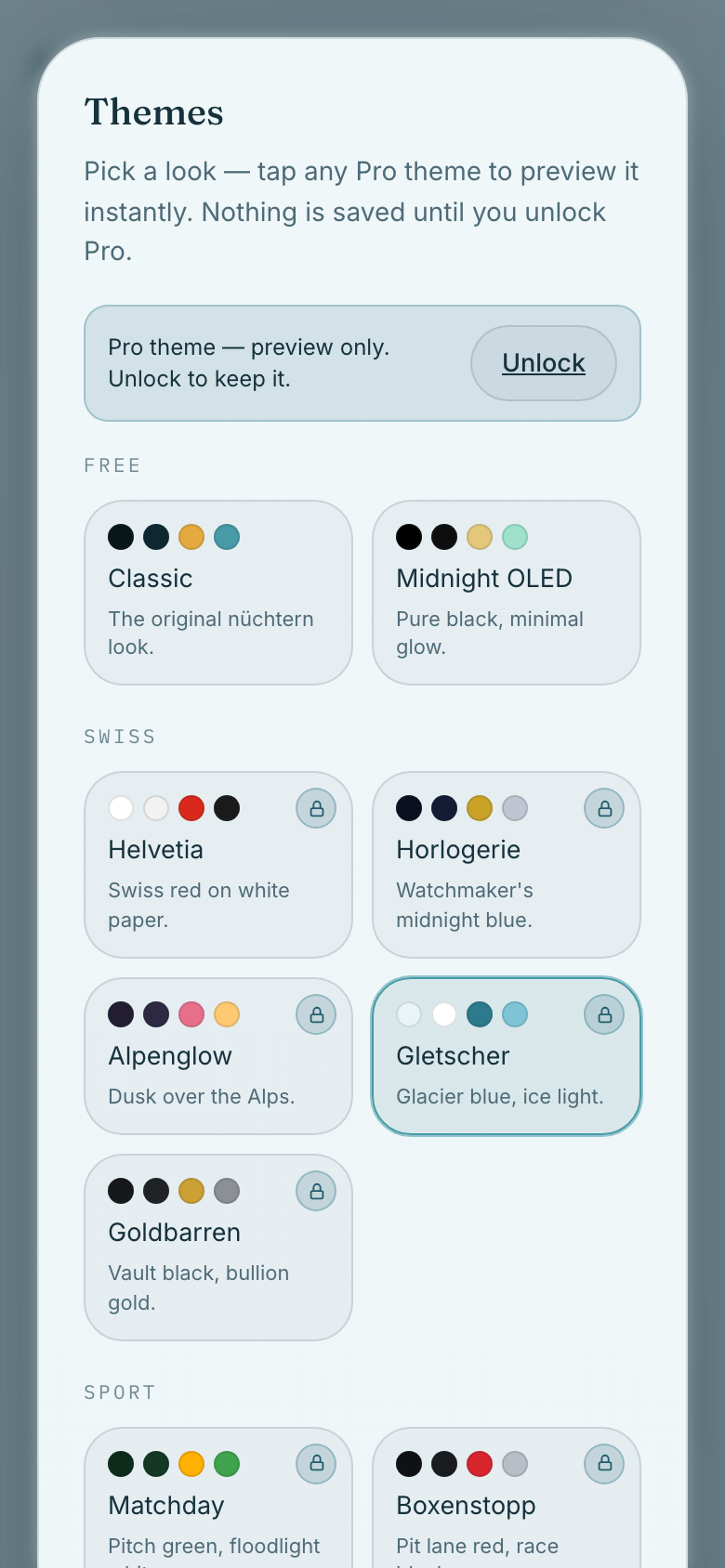
02Tap Change to browse every visual theme, free and Pro.
Tap Change to browse every visual theme, free and Pro.
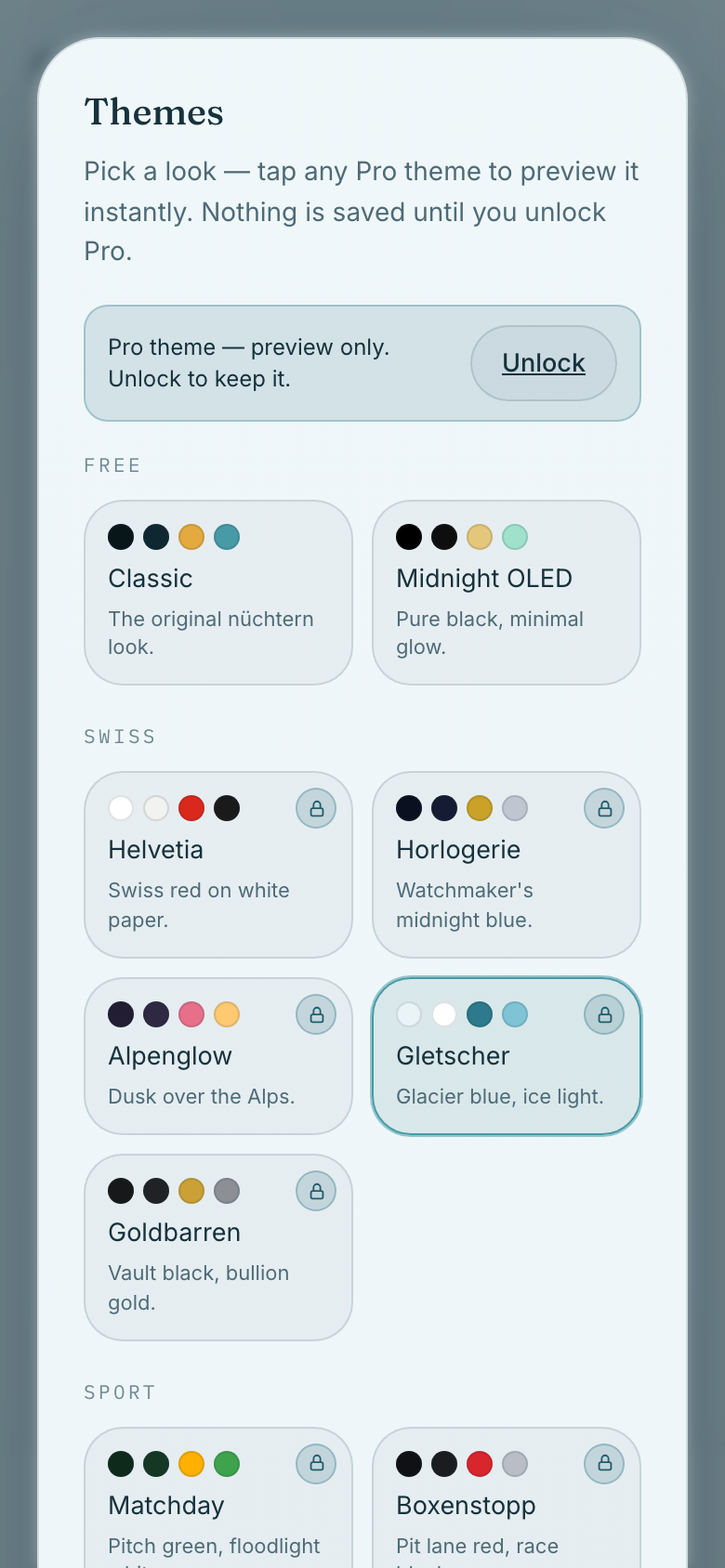
03Tapping a theme card previews it instantly, even before you own it.
Tapping a theme card previews it instantly, even before you own it.
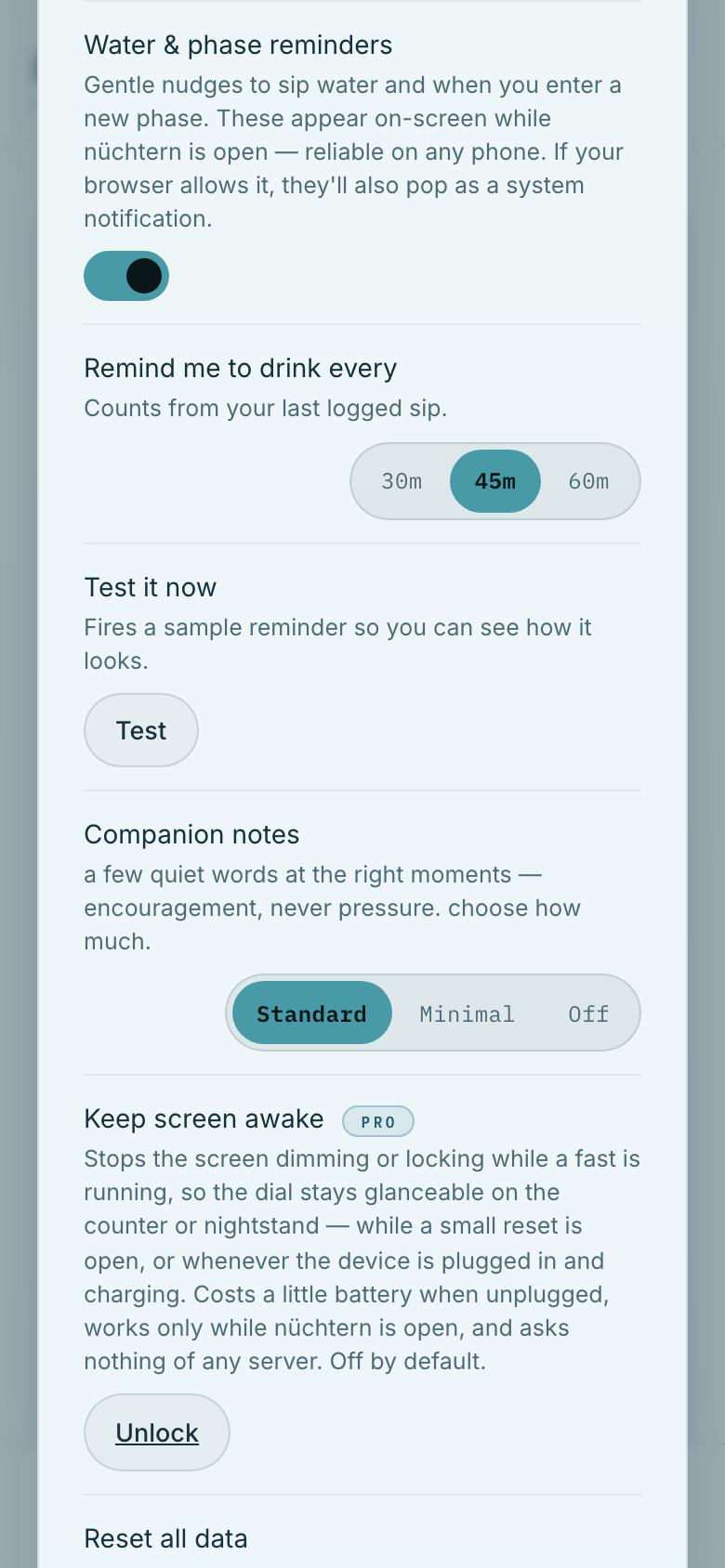
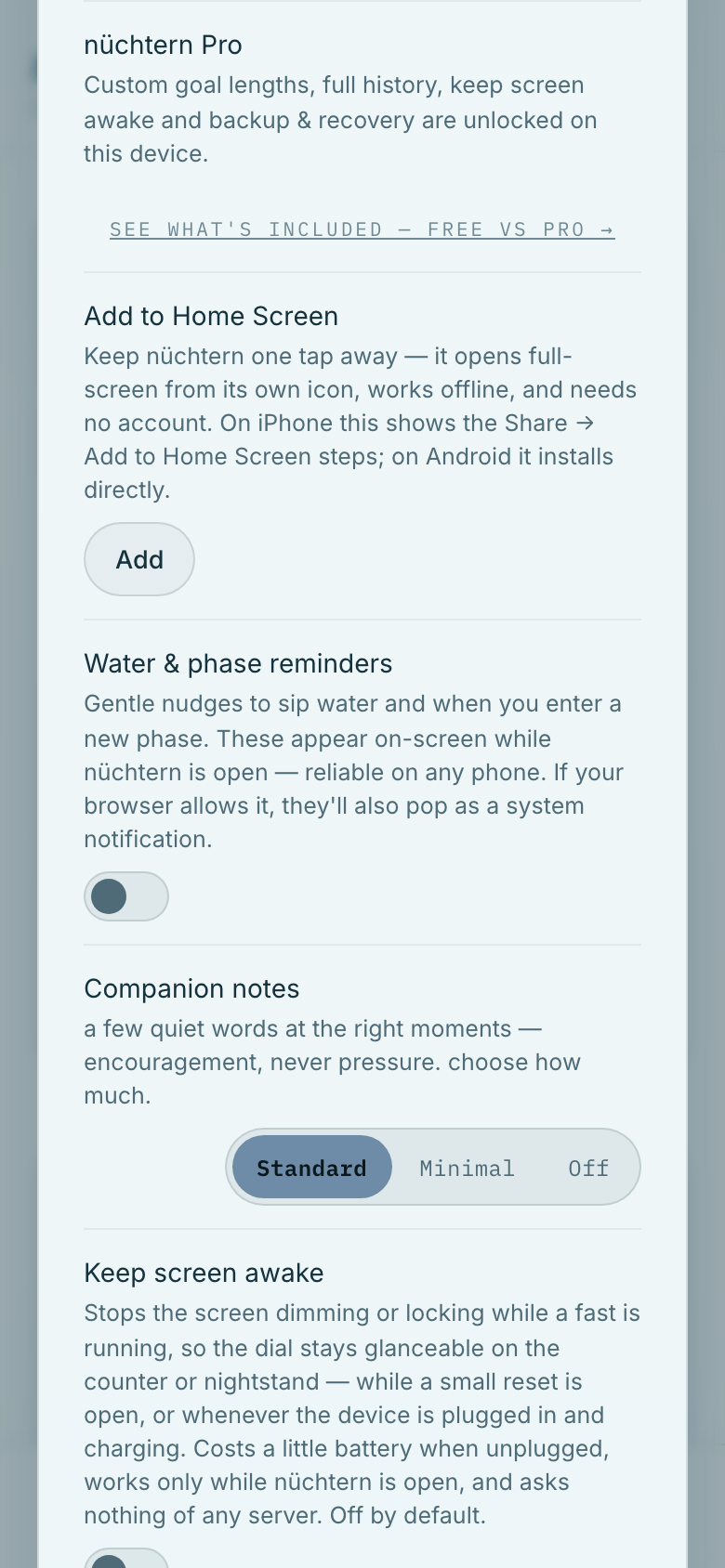
04Further down: water reminders, companion notes, and keep-awake.
Further down: water reminders, companion notes, and keep-awake.
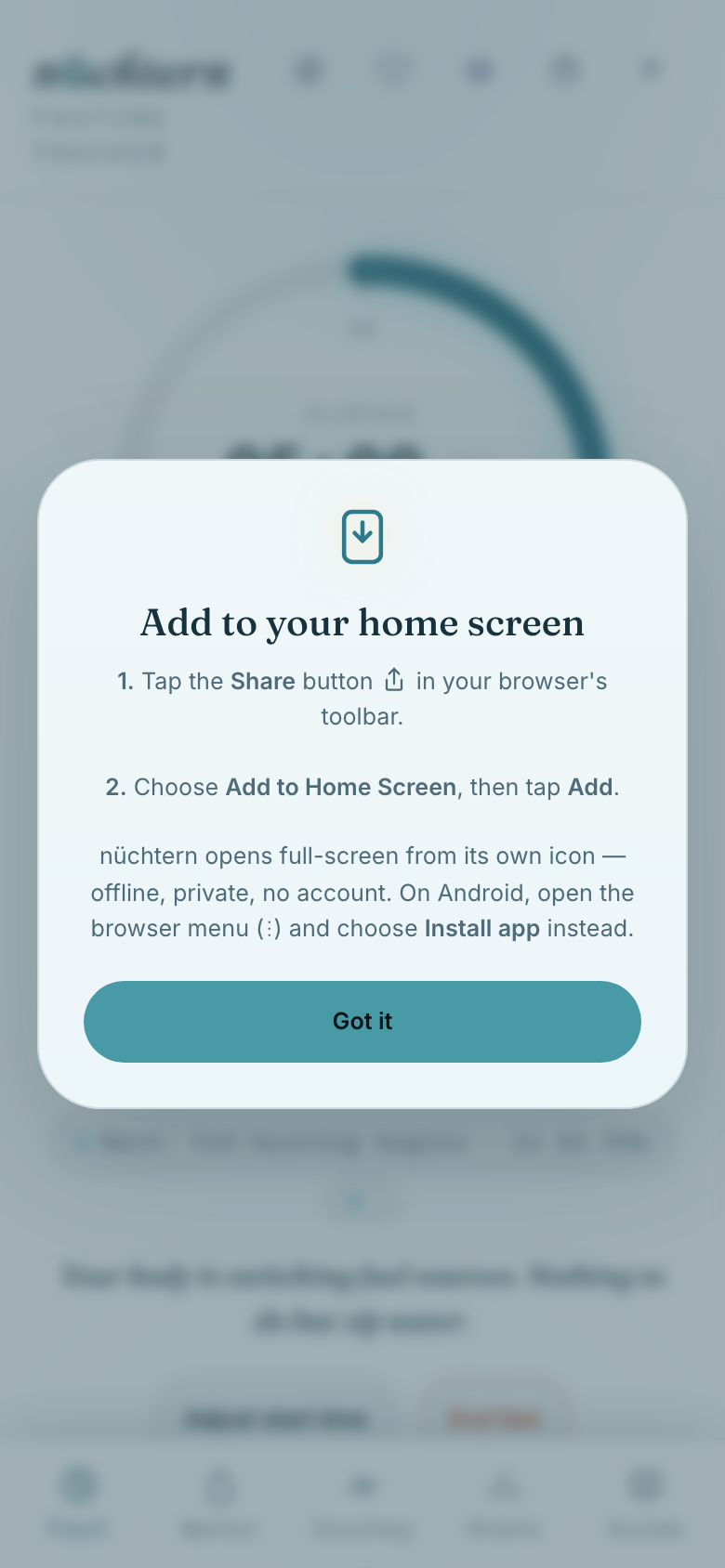
05Tap Add to Home Screen for a full-screen, app-like shortcut.
Tap Add to Home Screen for a full-screen, app-like shortcut.
07 / 09

Your data, your device

Backups, restore, and reset — everything stays with you.
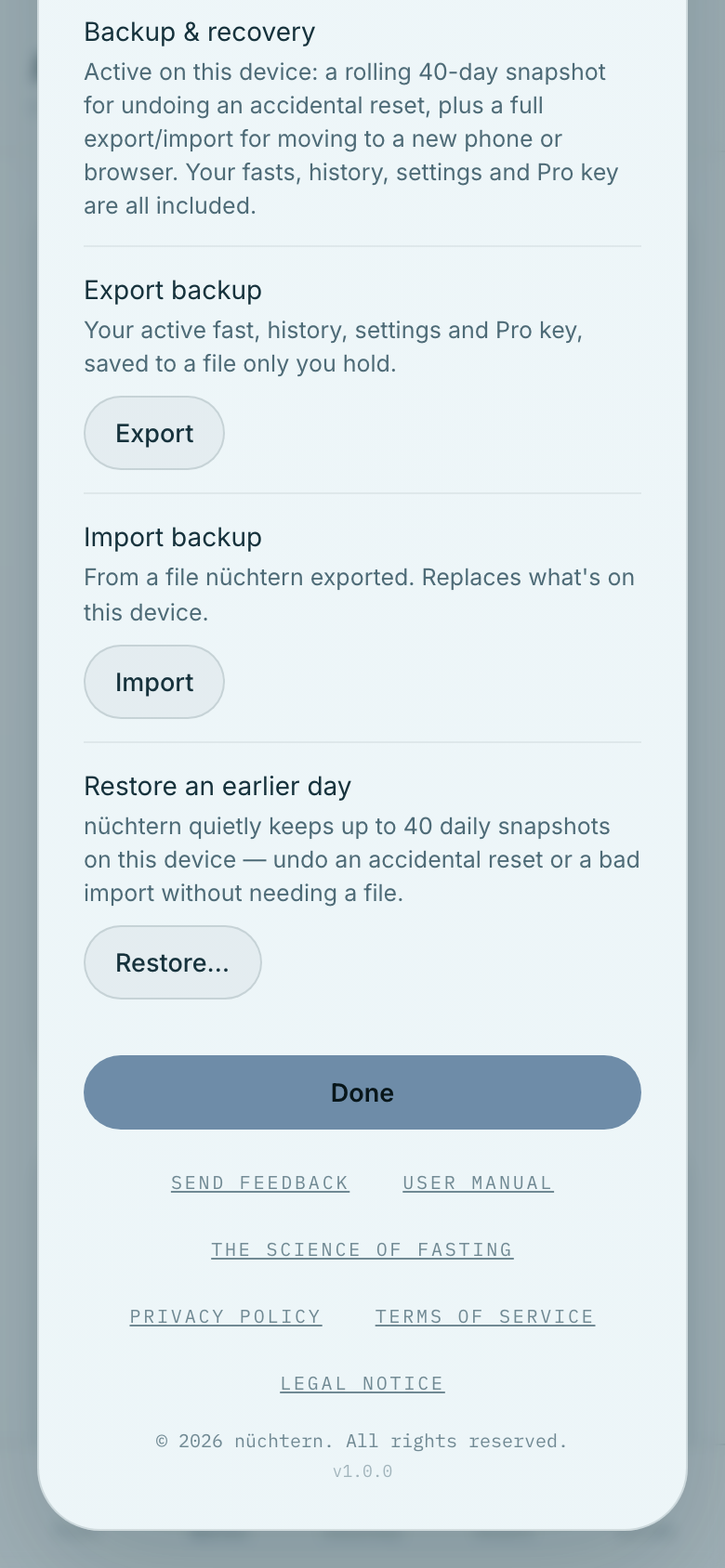
01Scroll to Backup & recovery for export, import, and restore.
Scroll to Backup & recovery for export, import, and restore. How your data is handled →
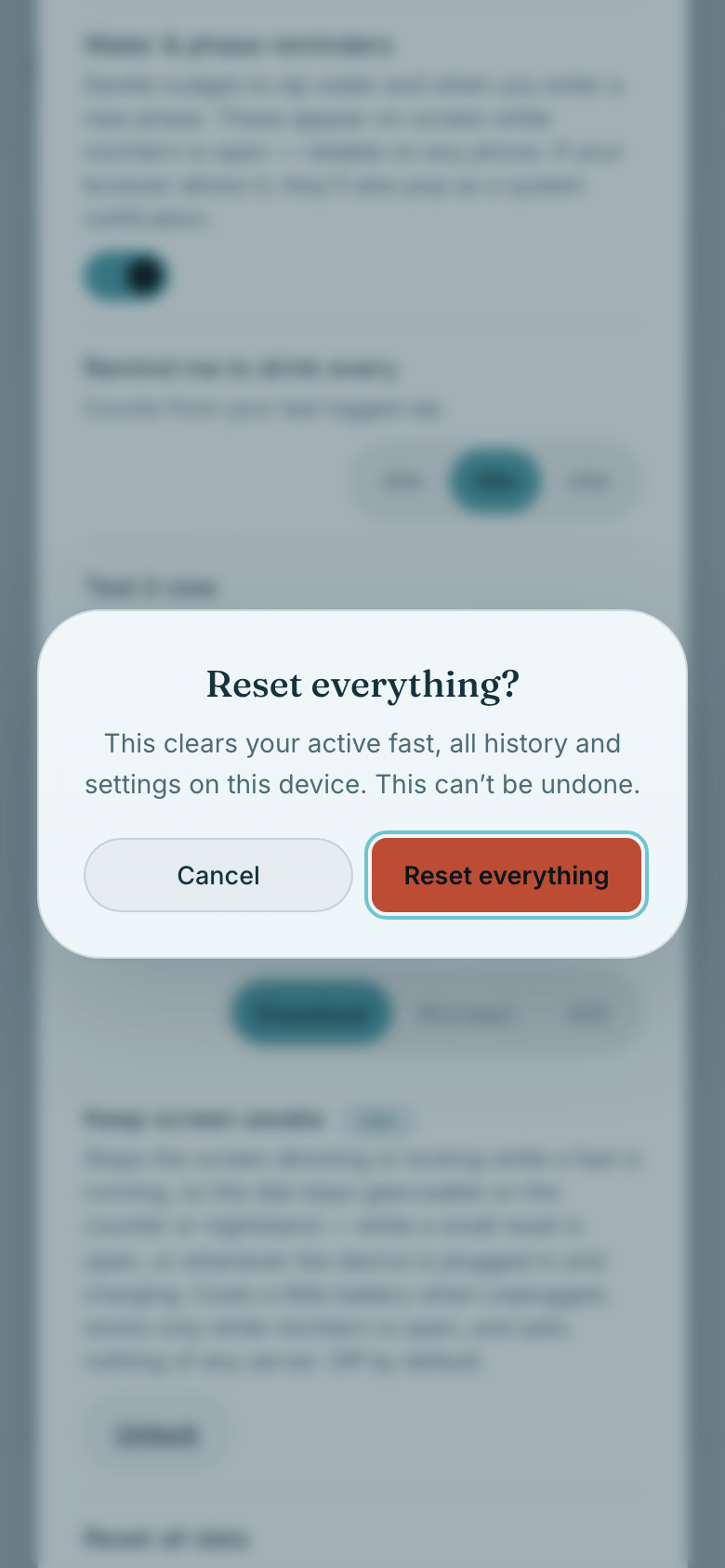
02Reset all data always asks for confirmation first.
Reset all data always asks for confirmation first.
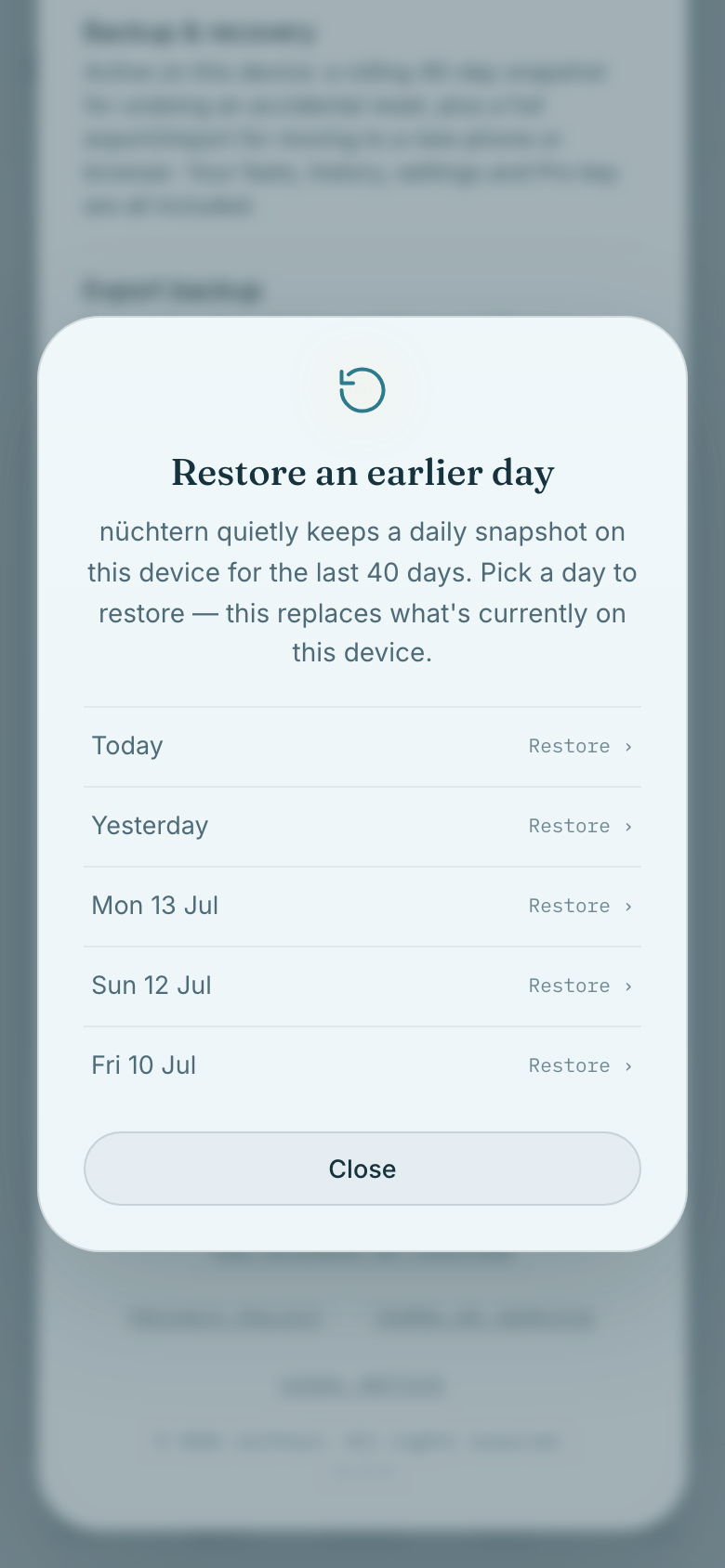
03Pro can restore any of the last 40 days from an automatic snapshot.
Pro can restore any of the last 40 days from an automatic snapshot.
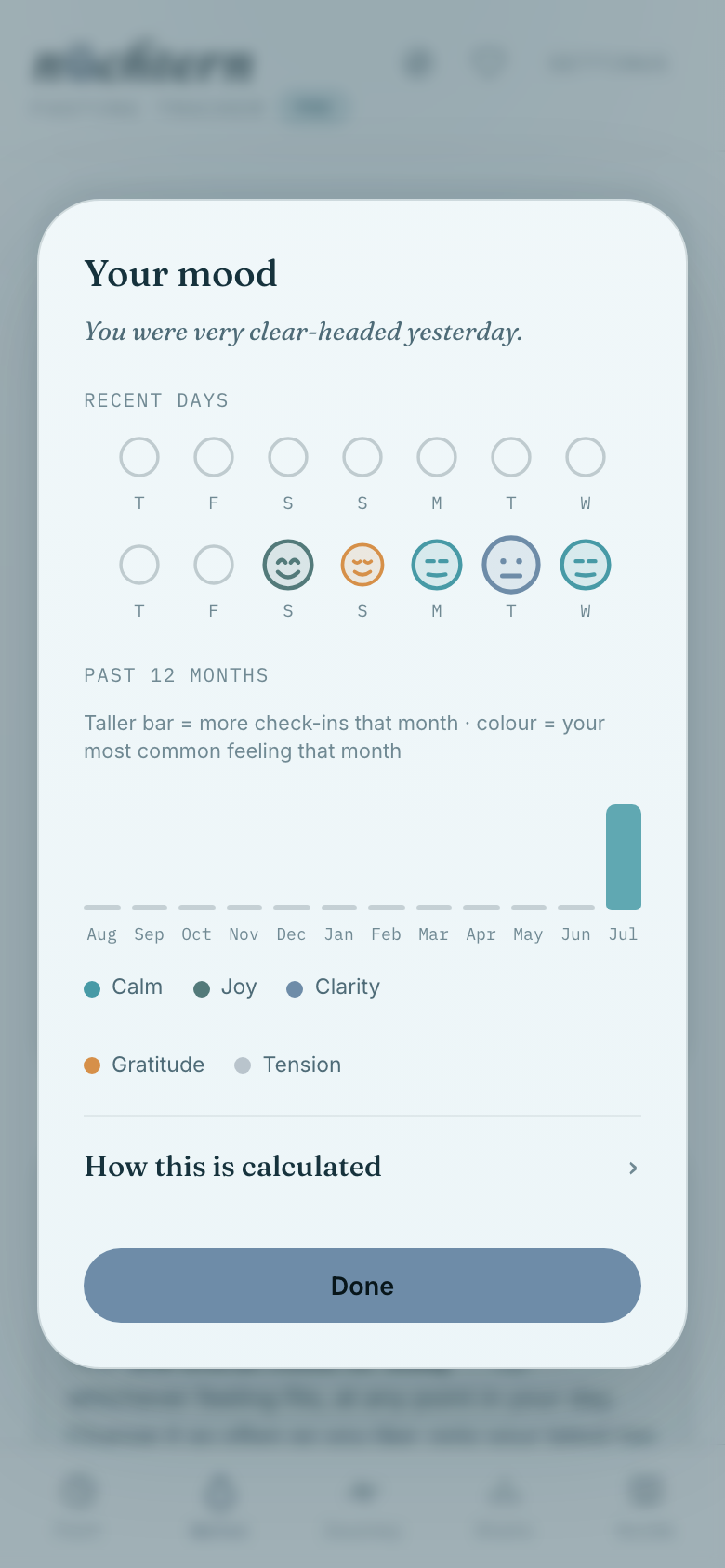
04Pro reveals patterns across everything you've logged on the mood dial.
Pro reveals patterns across everything you've logged on the mood dial.
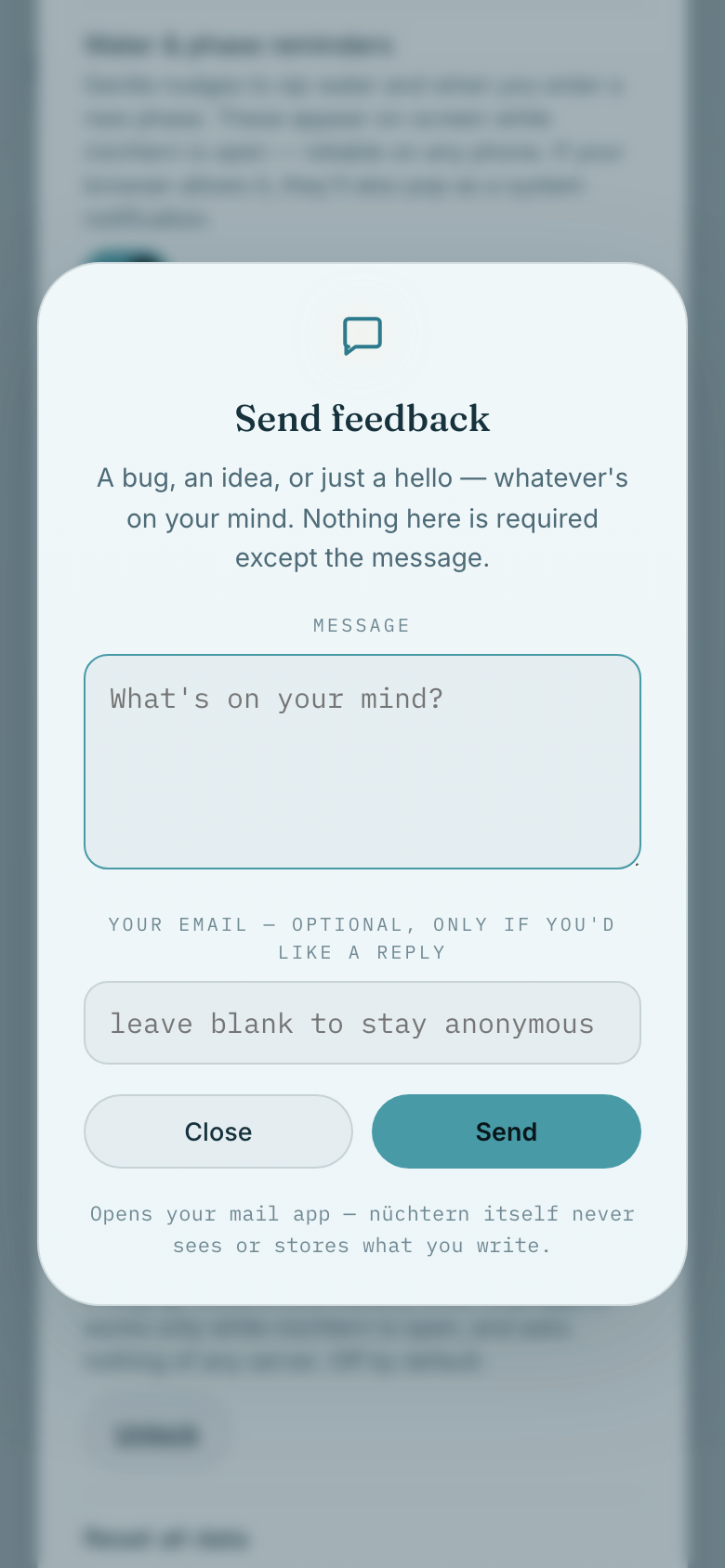
05Send feedback reaches us directly — the same inbox as Say hello.
Send feedback reaches us directly — the same inbox as Say hello. Or email us directly →
08 / 09

Going Pro

One purchase, one key, permanently more nüchtern.
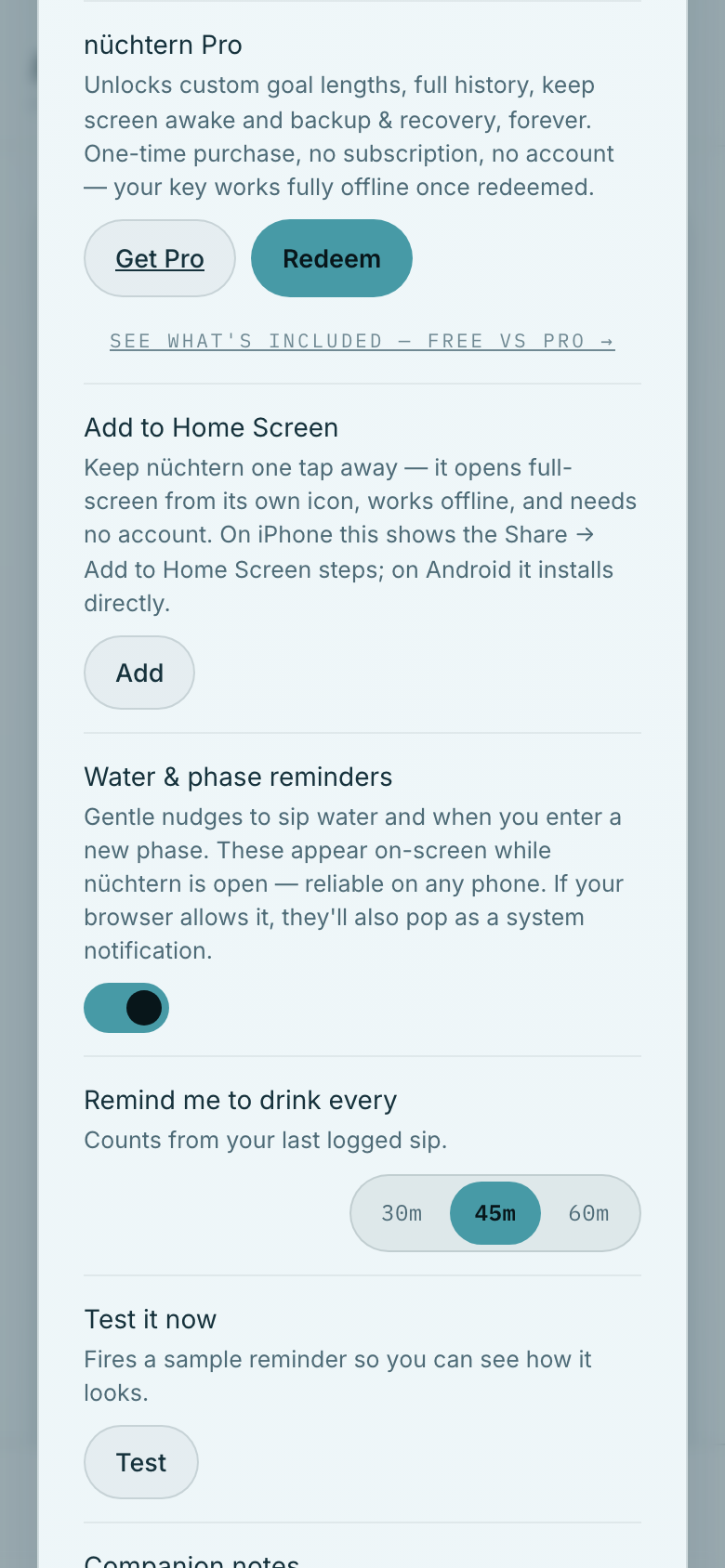
01The nüchtern Pro row is where a purchase or an existing key begins.
The nüchtern Pro row is where a purchase or an existing key begins. Compare Free vs Pro →
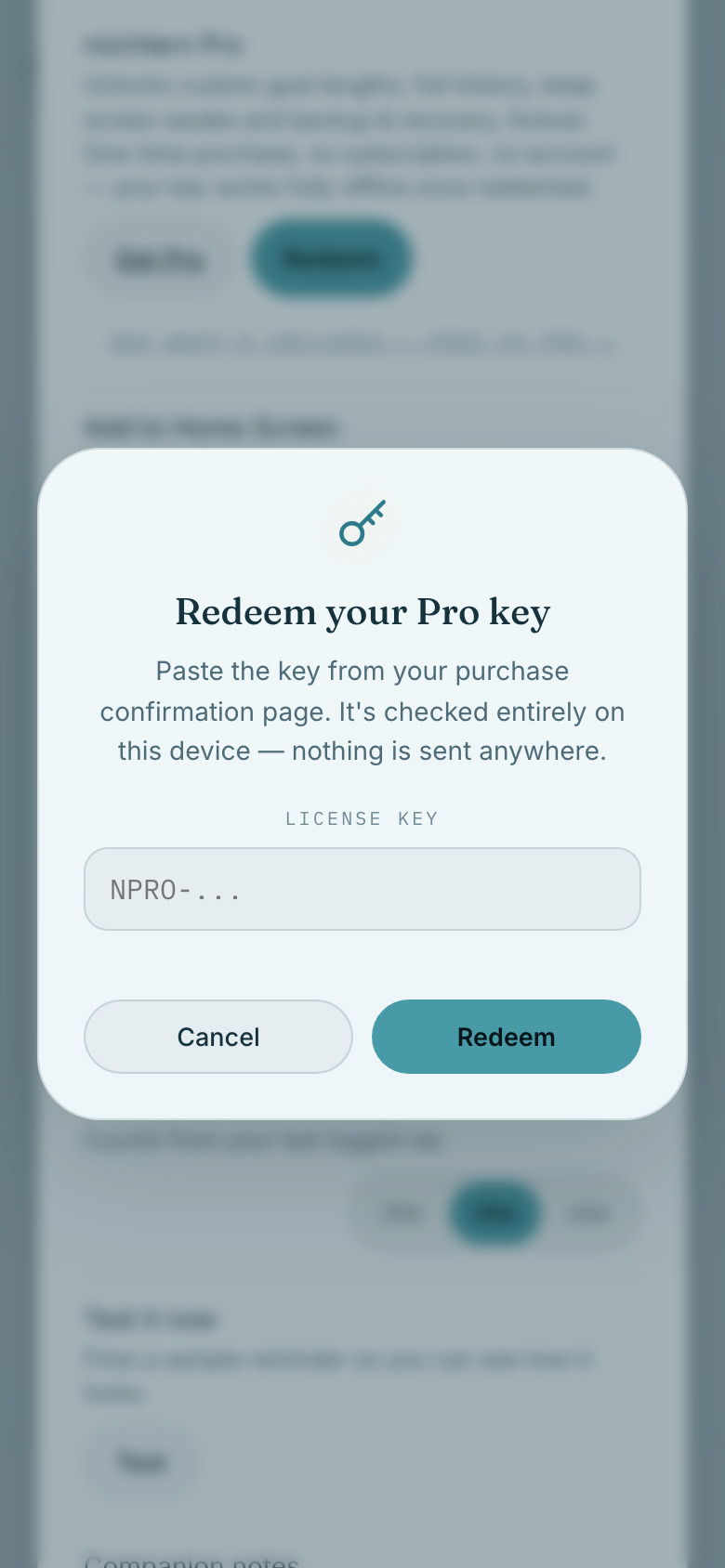
02Already bought a key? Paste it into Redeem your Pro key.
Already bought a key? Paste it into Redeem your Pro key.
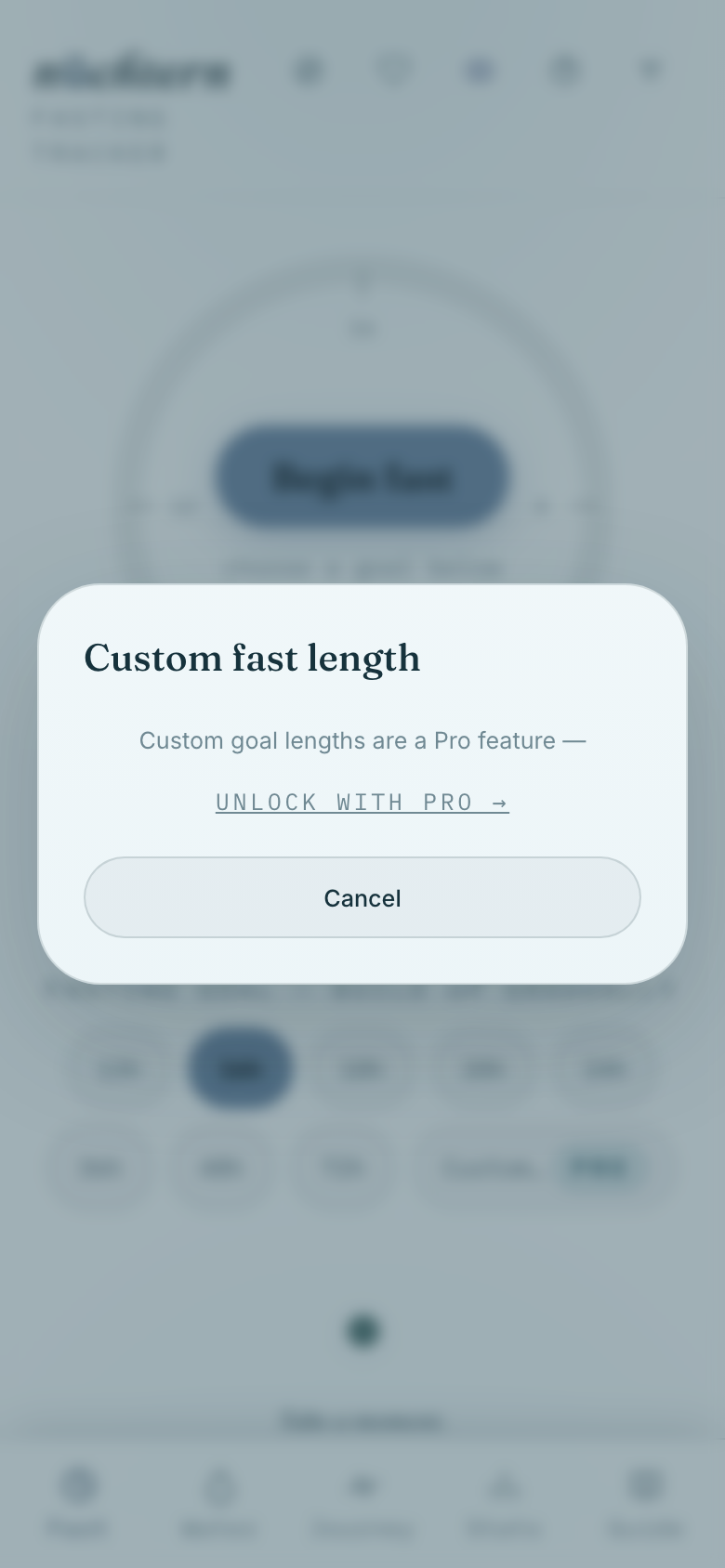
03Free accounts see exactly what a custom fast length unlocks.
Free accounts see exactly what a custom fast length unlocks. Purchase terms →
04Once redeemed, the PRO badge appears and every lock opens.
Once redeemed, the PRO badge appears and every lock opens.
09 / 09

Fast together

Bring a friend along — see their fast next to yours, cheer them on, and check in, without ever creating an account.
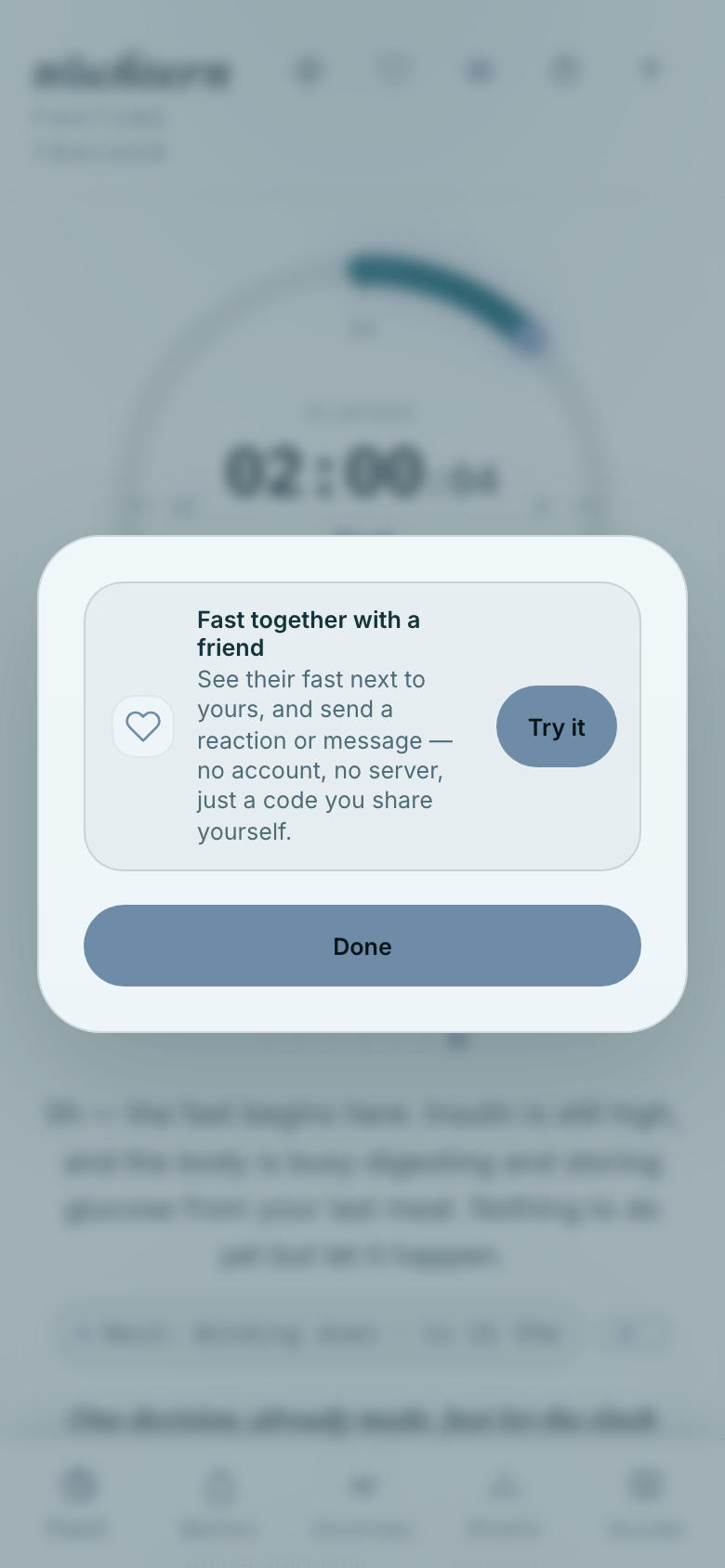
01Tap the paired-rings icon in the header to invite a friend to fast together — no account, no server, just a code you share yourself.
Tap the paired-rings icon in the header to invite a friend to fast together — no account, no server, just a code you share yourself.
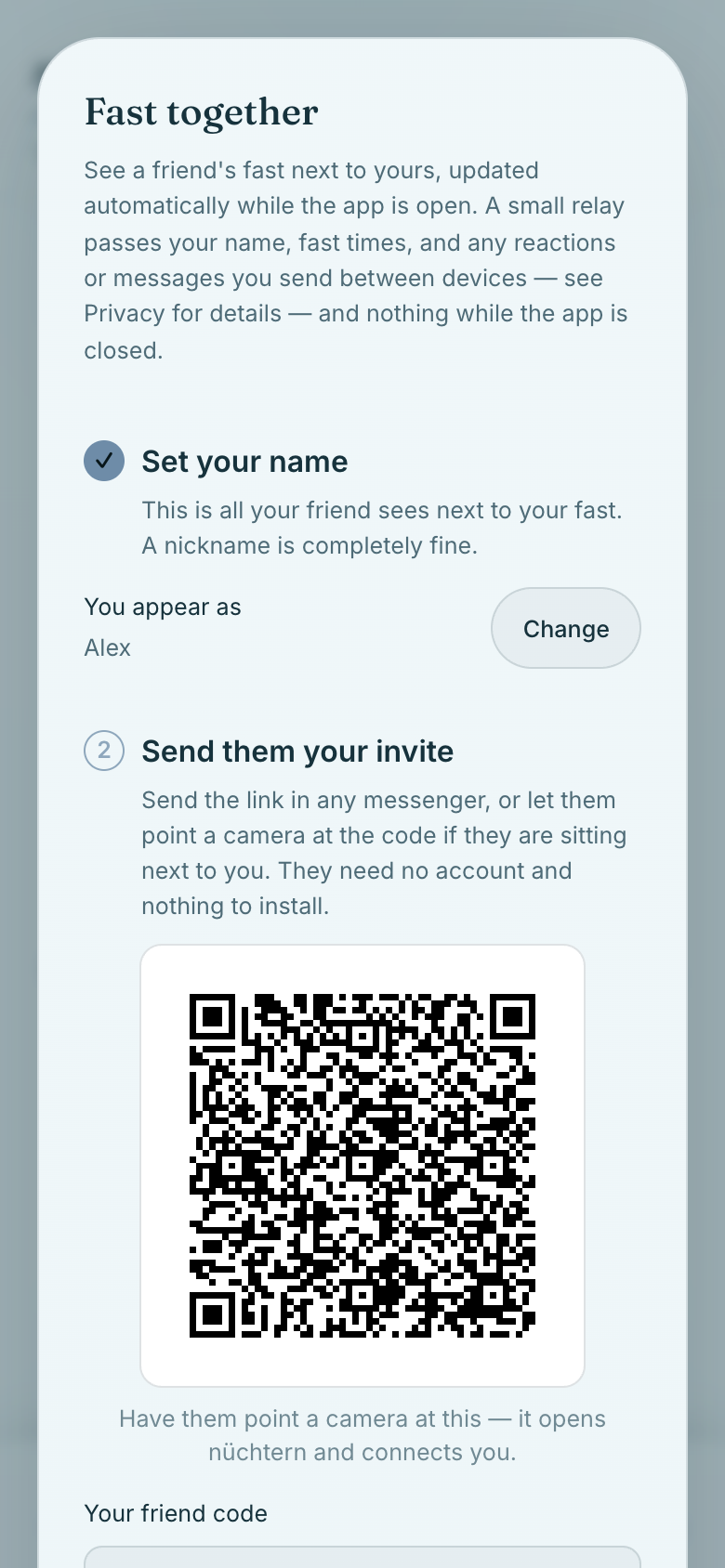
02A numbered sequence, in order: set the name your friend will see, then send them your invite. Step 3, just below, is where you paste their code if they got there first.
A numbered sequence, in order: set the name your friend will see, then send them your invite. Step 3, just below, is where you paste their code if they got there first.
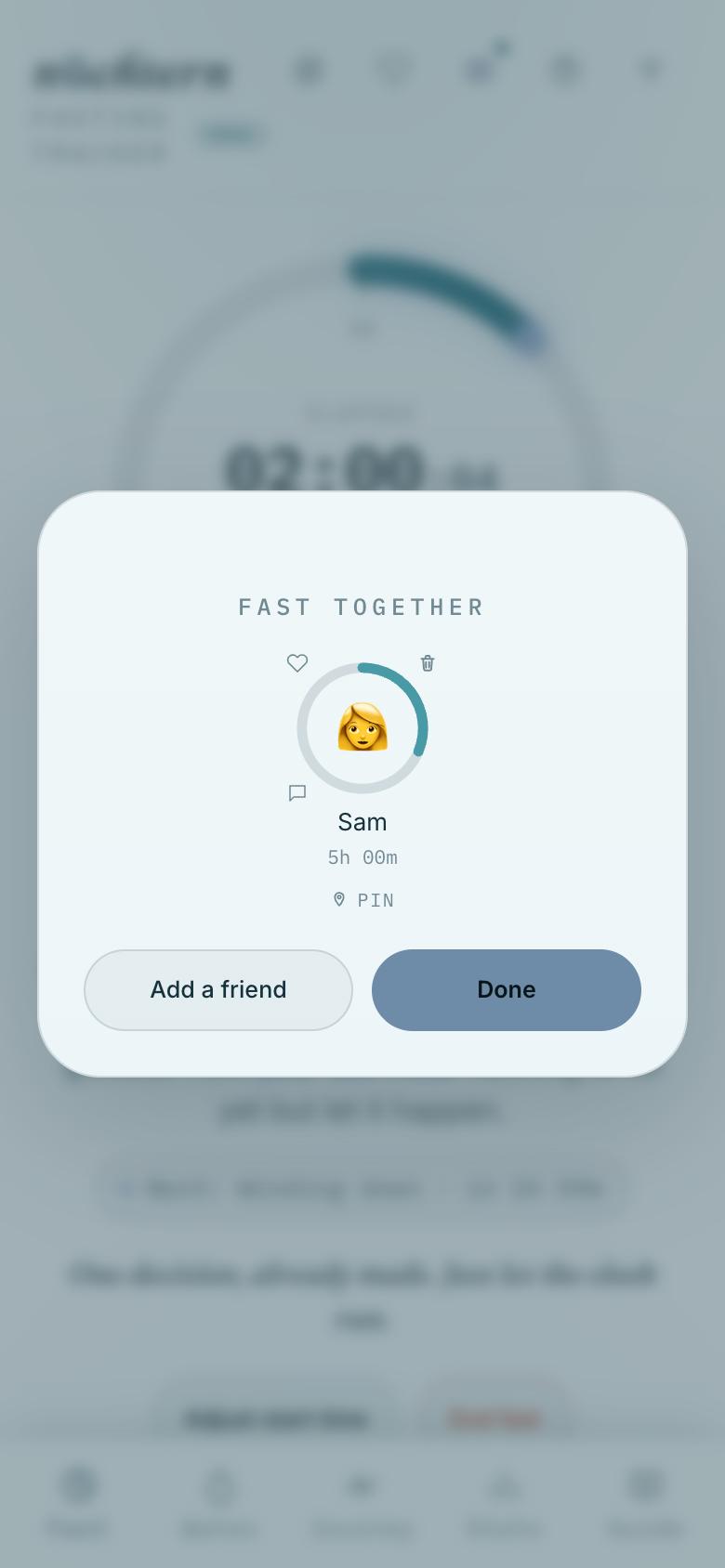
03Once connected, their fast appears right in that same panel, next to your own.
Once connected, their fast appears right in that same panel, next to your own.
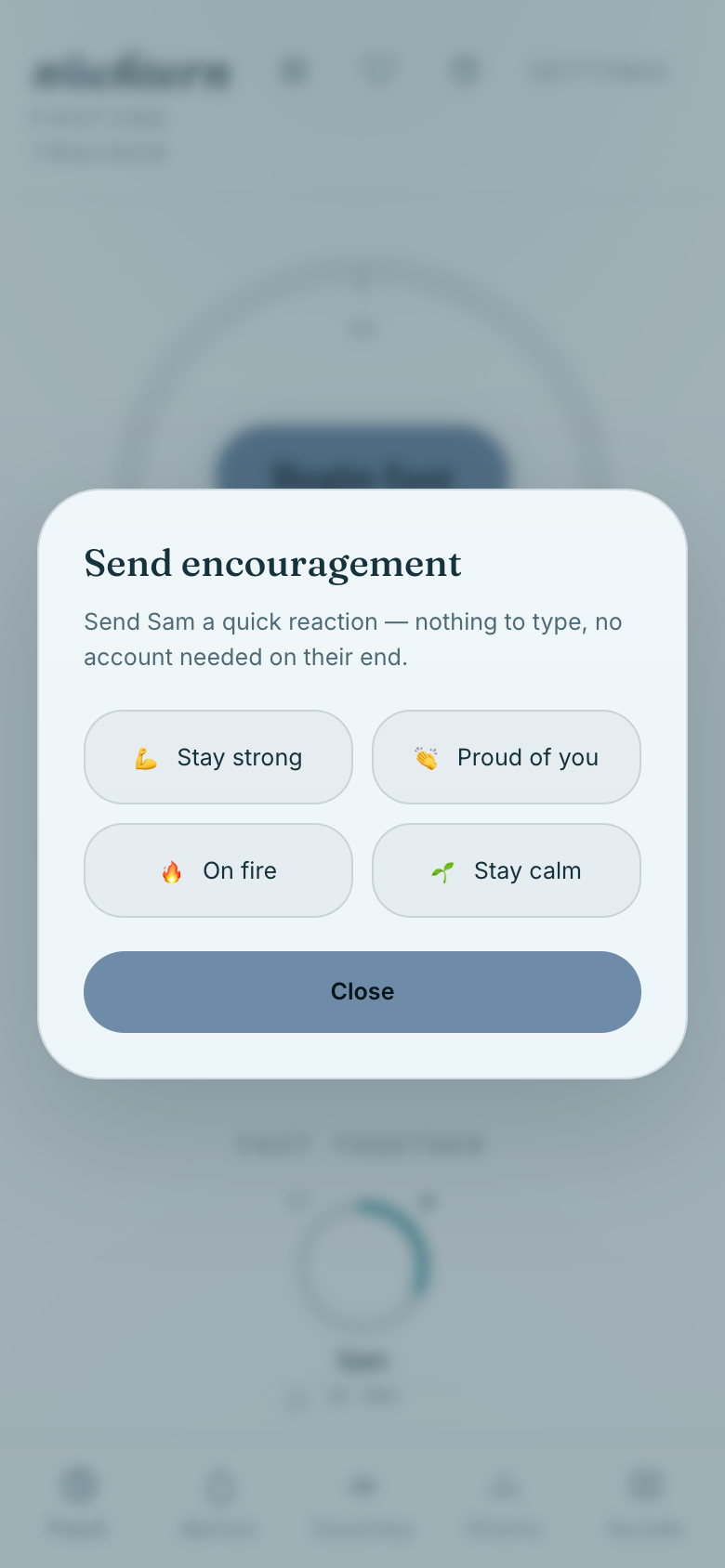
04Tap the heart on their card to send a quick, preset reaction — no typing needed.
Tap the heart on their card to send a quick, preset reaction — no typing needed.
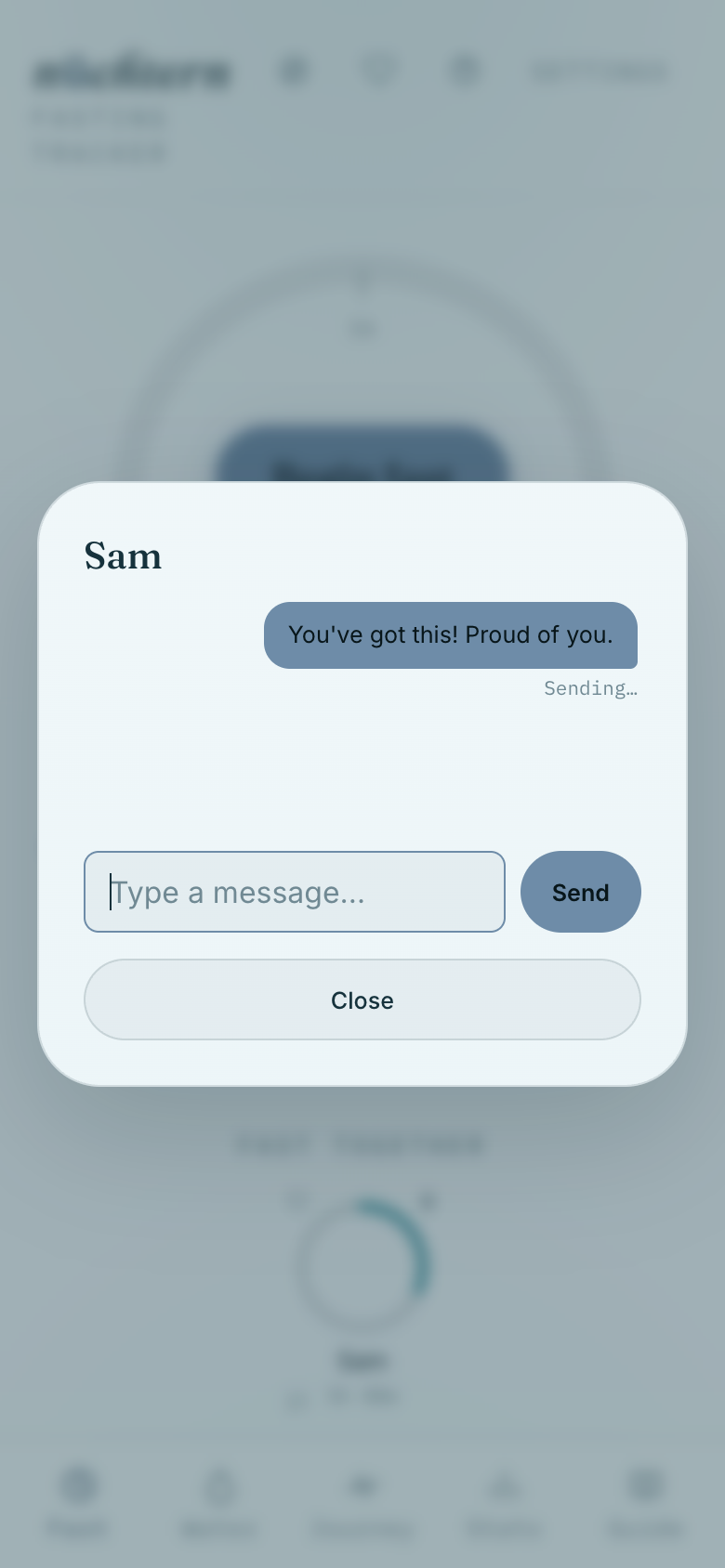
05Or tap the speech bubble to send a short message — delivered next time they open the app.
Or tap the speech bubble to send a short message — delivered next time they open the app. How this data is handled →
06Once a friend shares their mood, a small jewel appears right on your own mood dial.
Once a friend shares their mood, a small jewel appears right on your own mood dial.

That's the whole app. If anything is still unclear, Send feedback in Settings reaches us directly.

← Back to nüchtern
Science of fasting · Privacy policy · Terms of service · Support · Legal notice